
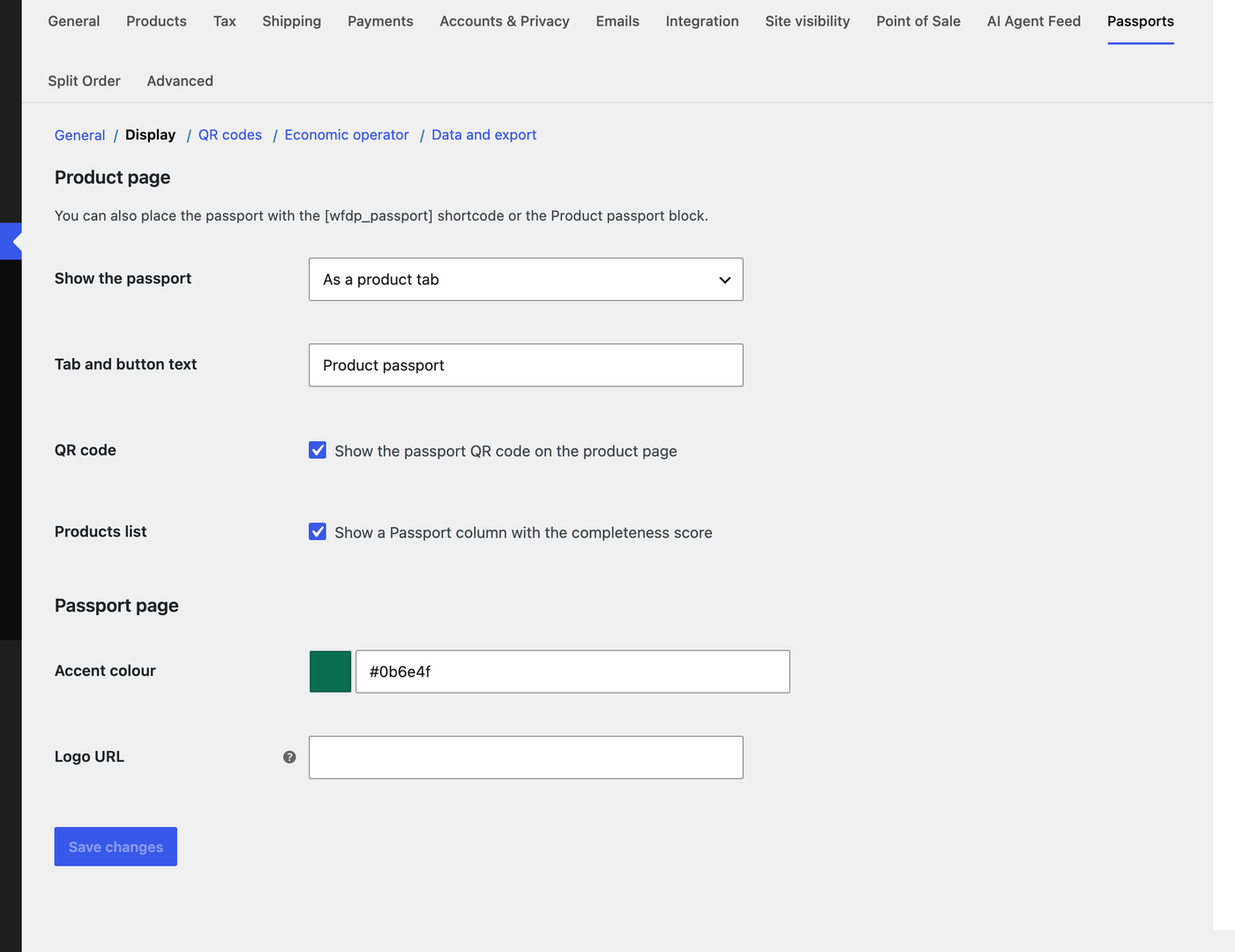
Customers can reach the passport before they buy. Under Settings, Passports, Display, choose one of:
- As a product tab: a Product passport tab next to the description and reviews.
- As a button: a button under add to cart that opens the passport card in a popup. It closes with Escape and returns focus to the button.
- Only where I place it: use the
[wfdp_passport]shortcode (withid="123"for another product) or the Product passport block in block themes.

Nothing is added to the cart or checkout.