
QR codes are made on your own server with a bundled library and cached in your uploads folder. Download them from the product’s passport tab as PNG for print shops or SVG for packaging designers.
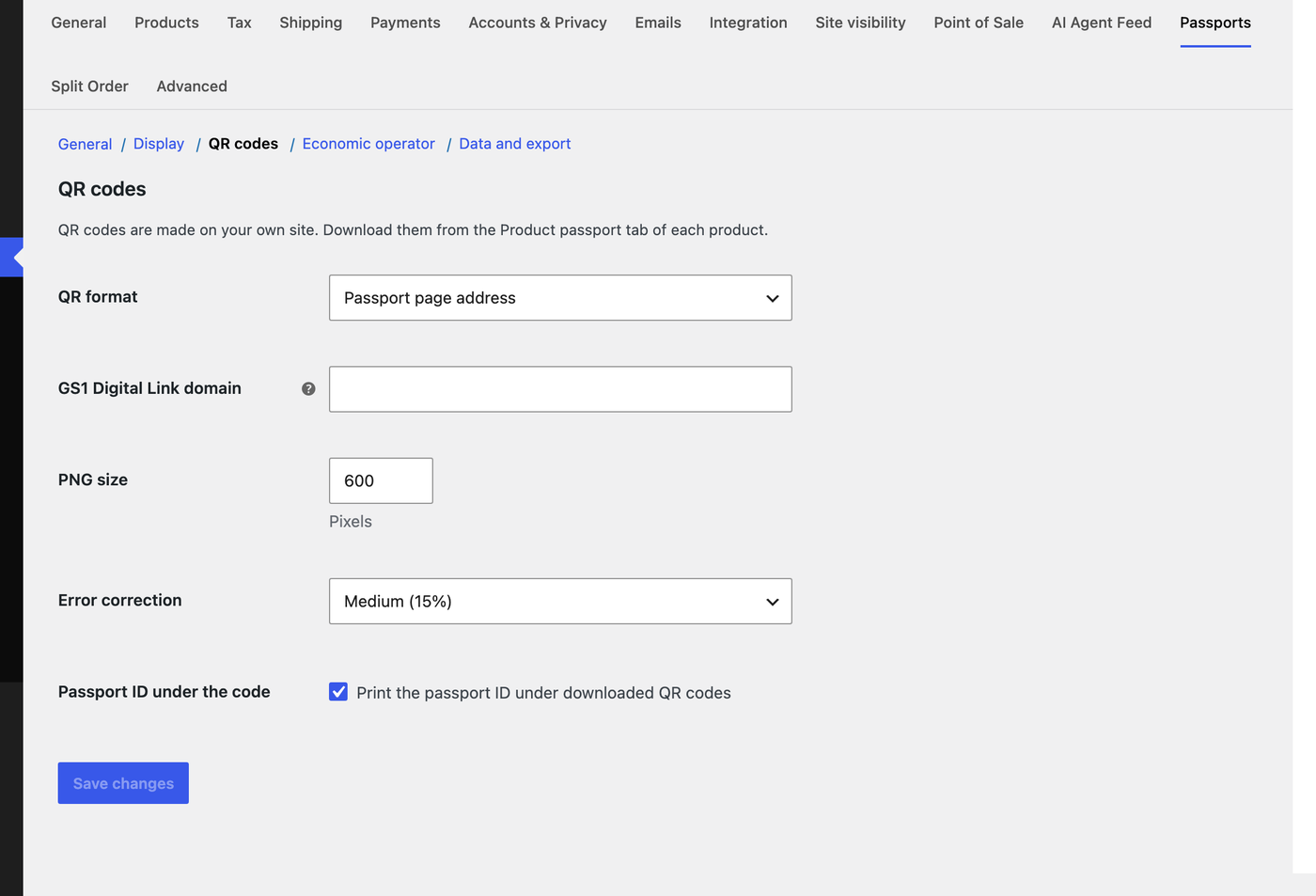
| Setting | What it does |
|---|---|
| QR format | Passport page address encodes the passport URL. GS1 Digital Link encodes yourstore.com/01/{GTIN}, the format retail scanners and the EU expect. Products without a valid GTIN fall back to the passport address. |
| GS1 Digital Link domain | Leave empty: your store answers /01/{GTIN} links itself and forwards them to the passport. Enter another resolver only if you run one. |
| PNG size and error correction | 600 px and Medium suit most labels. Choose High for labels that may get scratched. |
| Passport ID under the code | Prints the ID under downloaded codes so staff can read it without scanning. |
The GTIN comes from the GTIN, UPC, EAN or ISBN field WooCommerce added to the Inventory tab. Serial numbers can be added as /01/{GTIN}/21/{serial}; the store forwards them to the passport and shows the serial number on the page.