
- Install and activate the plugin from Plugins, Add New, or upload the zip. WooCommerce must be active.
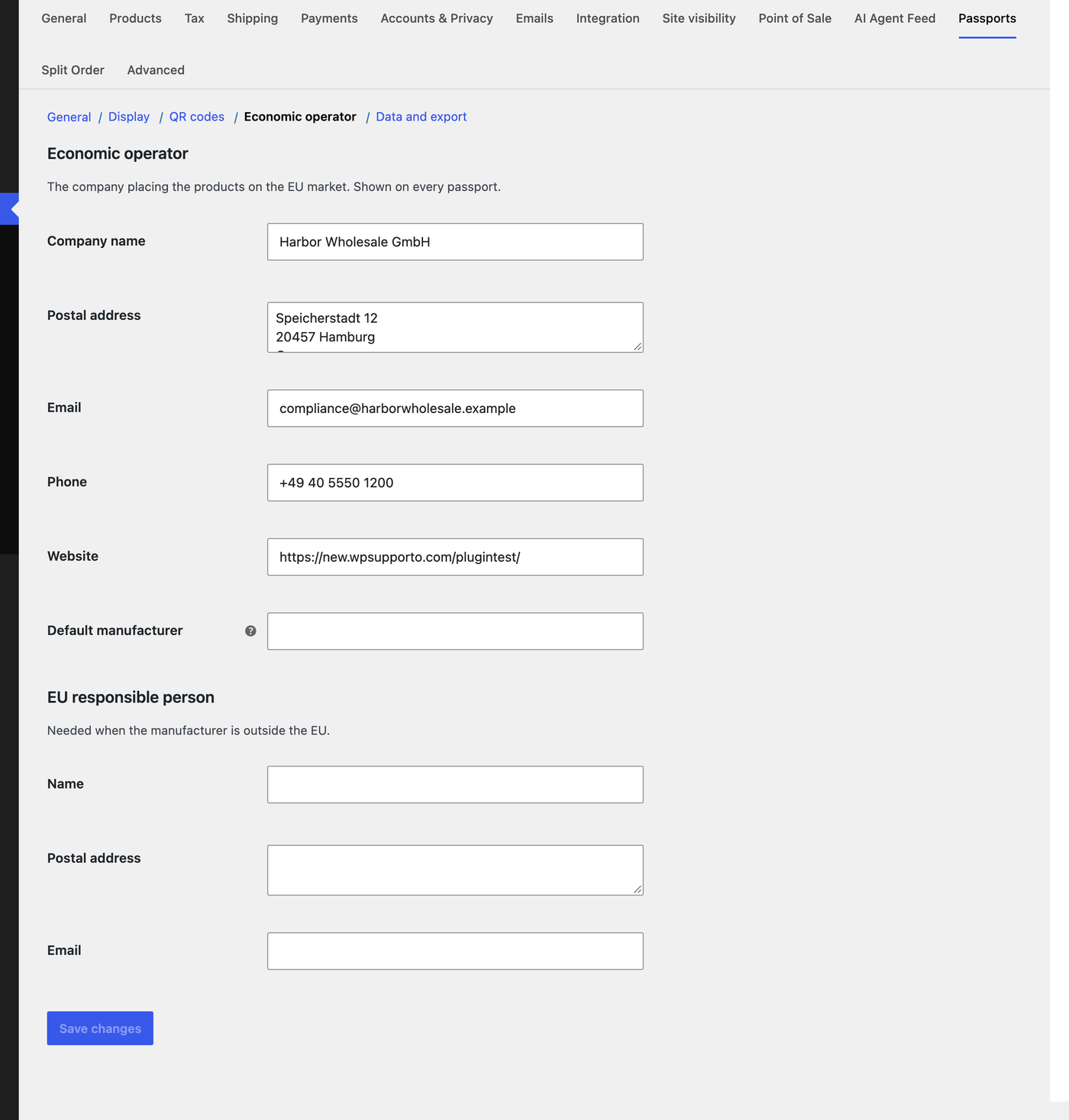
- Open WooCommerce, Settings, Passports, Economic operator and enter the company that places your products on the EU market: name, postal address, email, phone and website. These details appear on every passport. If the manufacturer is outside the EU, add the EU responsible person too.
- On the General section, choose the default template and the product types that get a passport tab. Categories can have their own template: edit a product category and pick one there.
- Open a product, go to its Product passport tab, choose Create a passport for this product, fill in the fields and save.
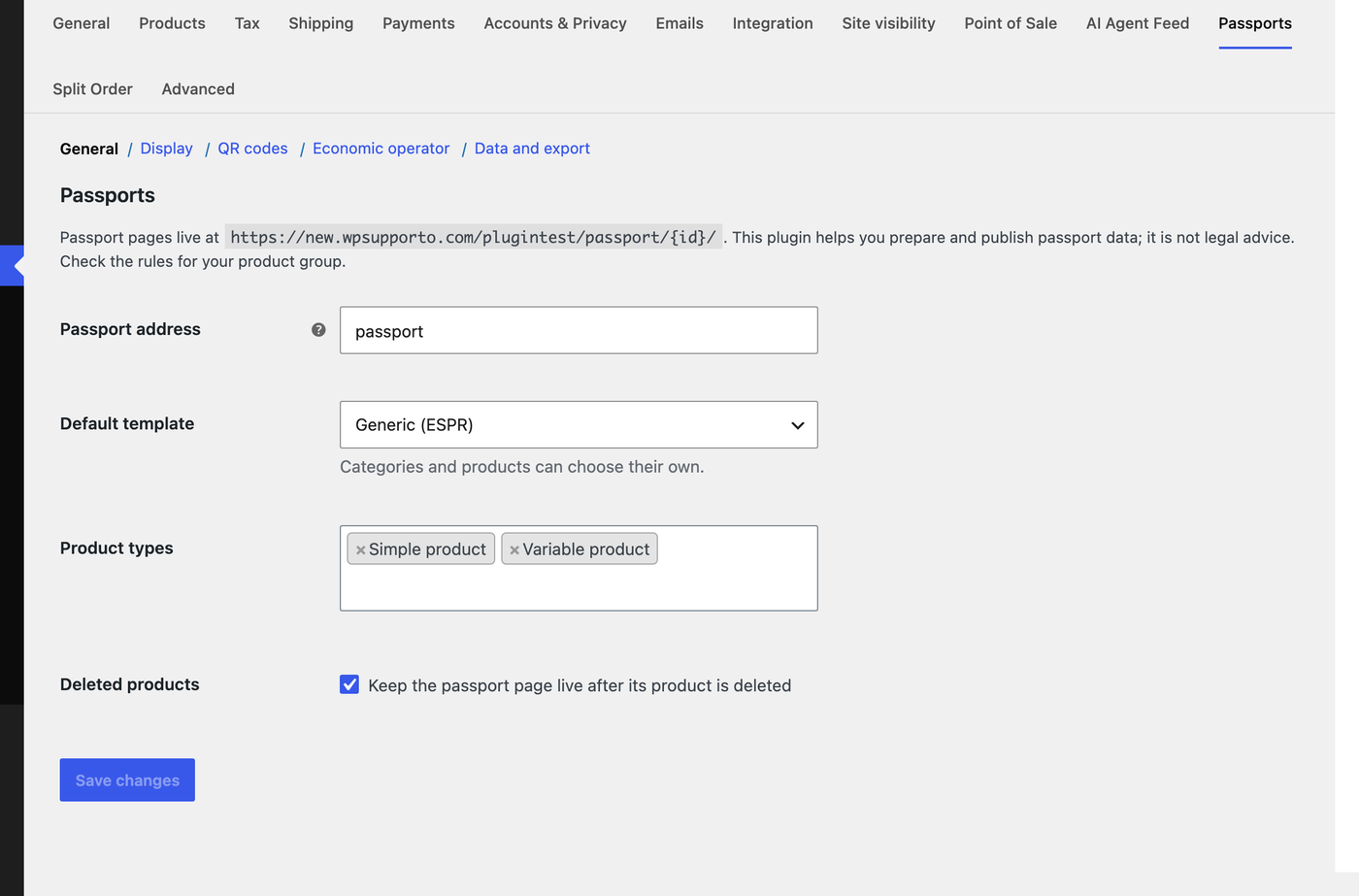
Passport address. The passport address (by default
passport) is part of every printed QR code. Choose it before you print labels; changing it later breaks codes already printed.