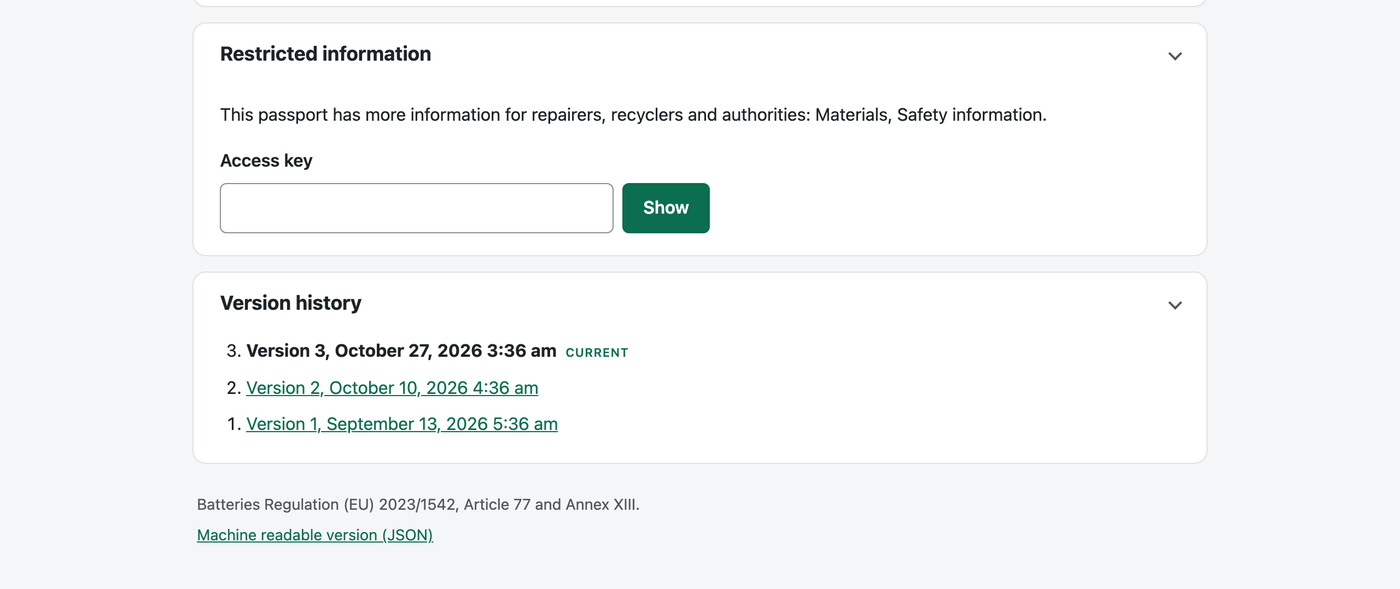
The Battery Regulation splits passport data into what everyone may see, what persons with a legitimate interest (repairers, recyclers, second life operators) may see, and what only authorities may see. Under Settings, Passports, Access levels, choose the level of each field per template. The battery defaults put the detailed materials and the safety information for opening the battery in the repairer level.
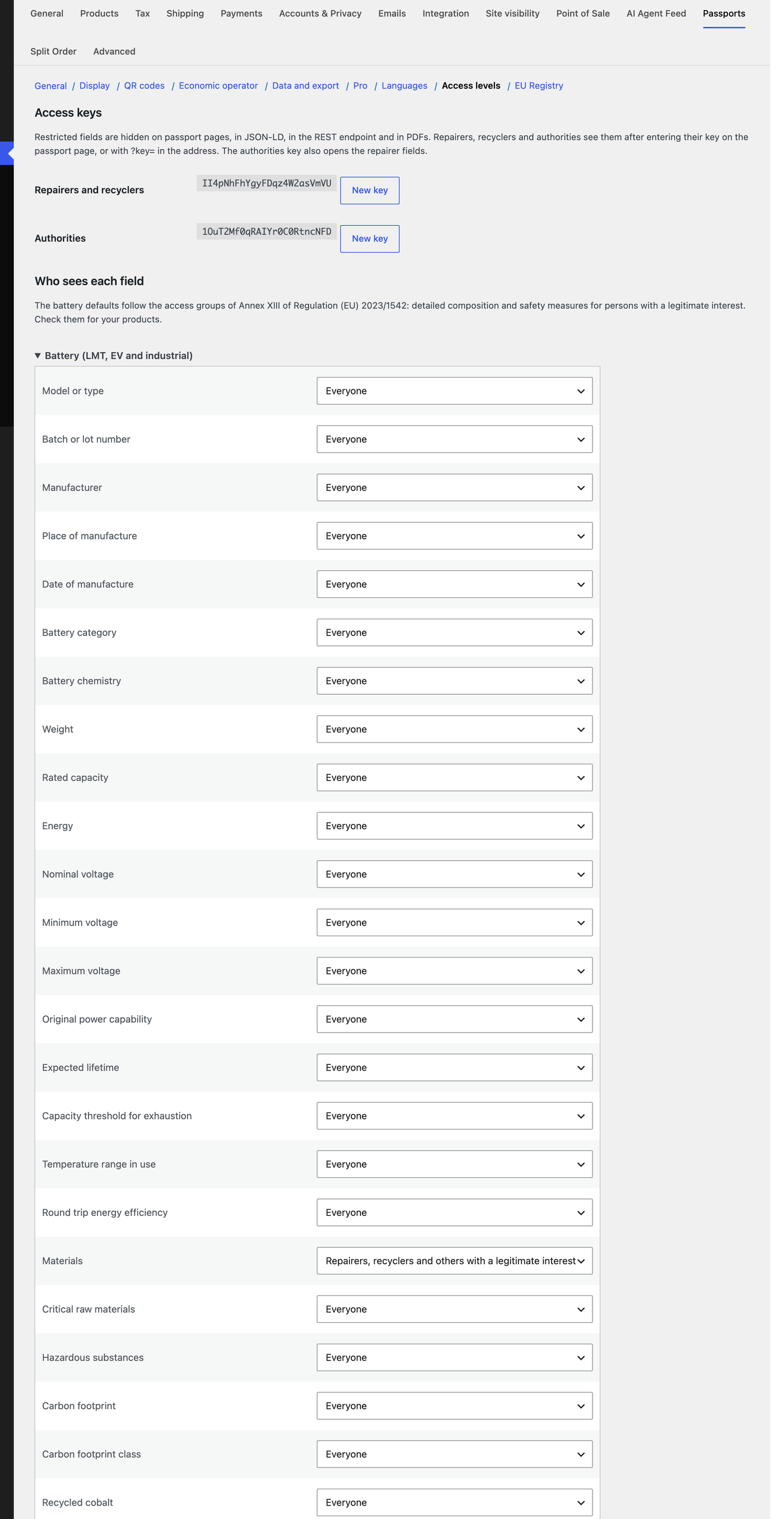
- Restricted fields are left out of the page, the JSON-LD, the REST endpoint and the PDF.
- Give repairers and recyclers the repairer key, and market surveillance authorities the authorities key. The authorities key also opens the repairer fields.
- They enter the key on the passport page (it stays valid for 12 hours in that browser) or add
?key=to the address. Pages with restricted data are never cached. - New key replaces a key at once; the old key stops working.