
- Install and activate the plugin. It creates a page called Gift registry at
/registry/and adds a Gift registry tab to My Account. - Open WooCommerce, Settings, Gift Registry. Check the registry page, the event types you offer and the default visibility.
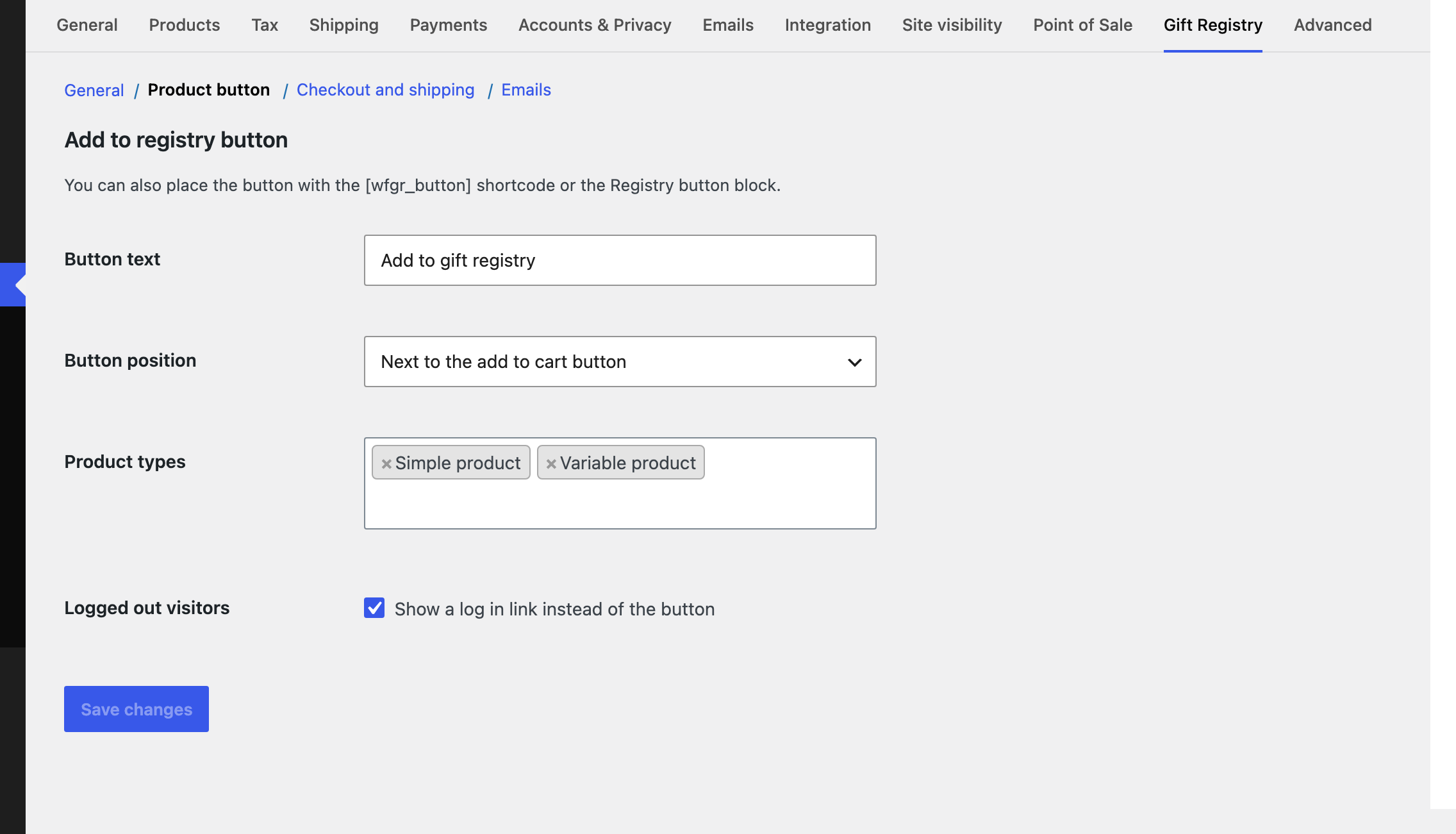
- Under Product button, choose where the Add to gift registry button appears and which product types can be added.
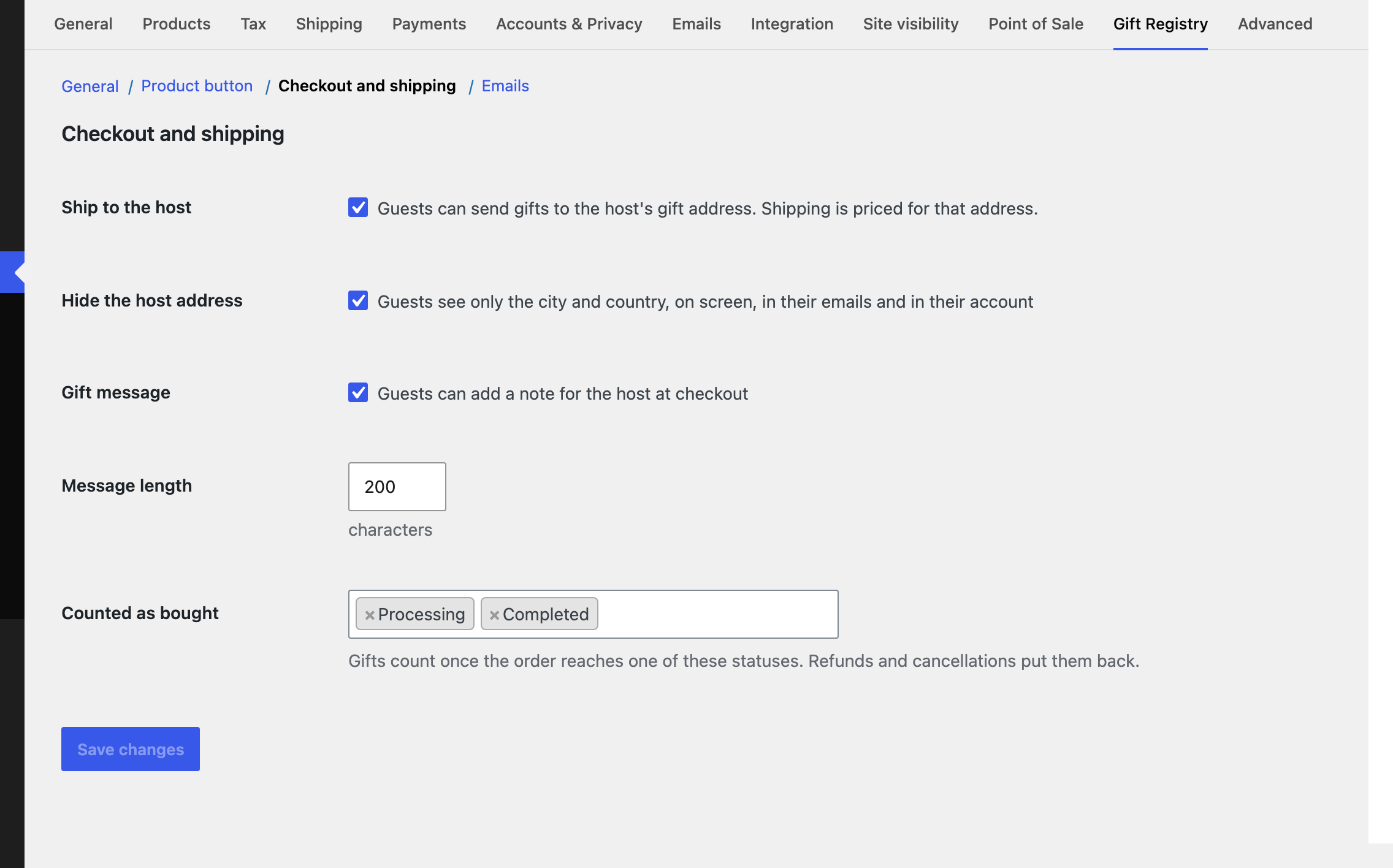
- Under Checkout and shipping, keep Ship to the host and Hide the host address on, and choose which order statuses count as bought.
- Place a test registry and a test guest order.
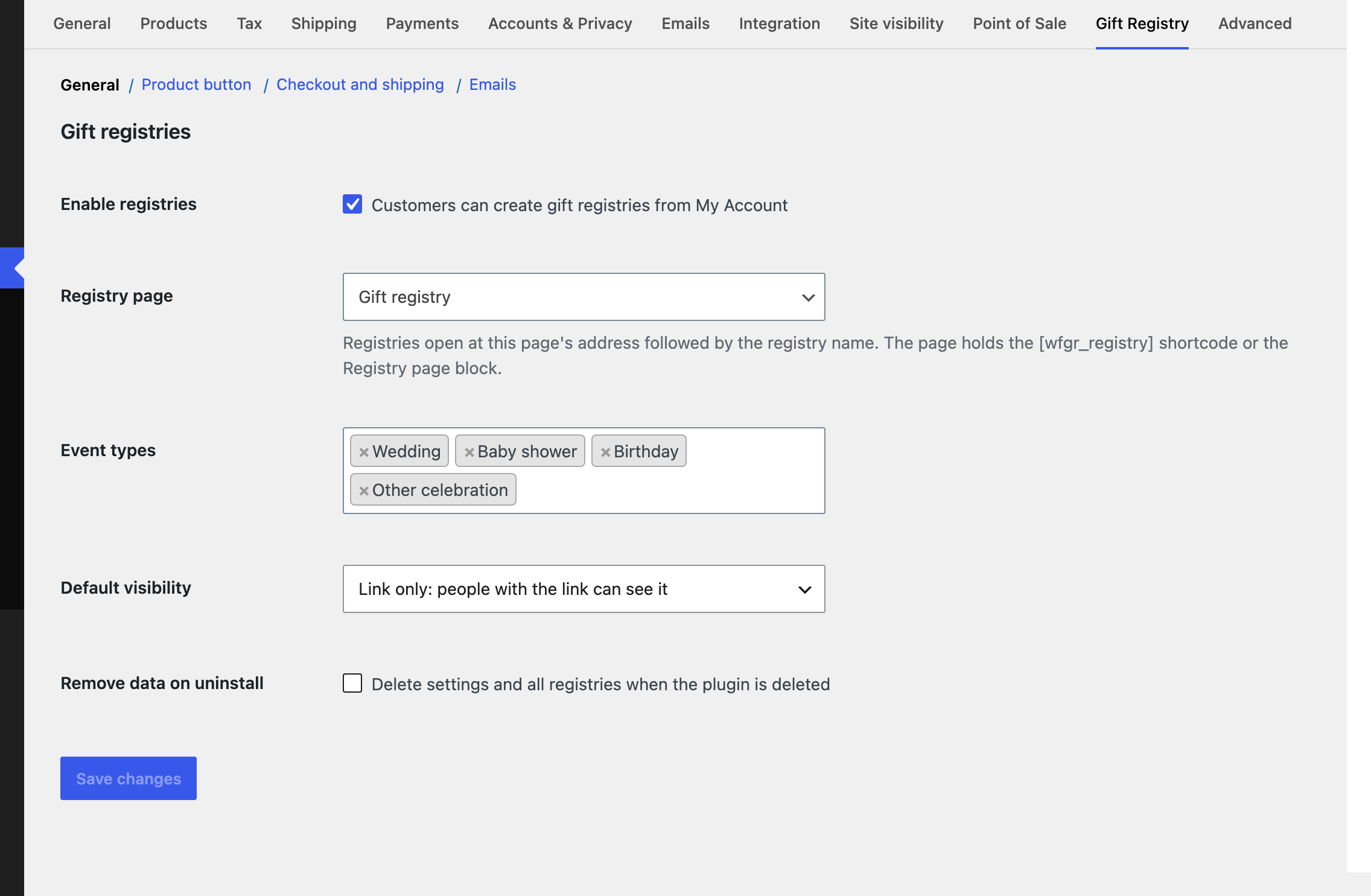
The registry page holds the
[wfgr_registry] shortcode, or the Registry page block. If you pick another page, add one of them to it. Registry links follow the page address, for example /registry/sofia-and-erik/.