
Logged in customers open My Account, Gift registry and fill in a short form. Everything can be changed later under Details.
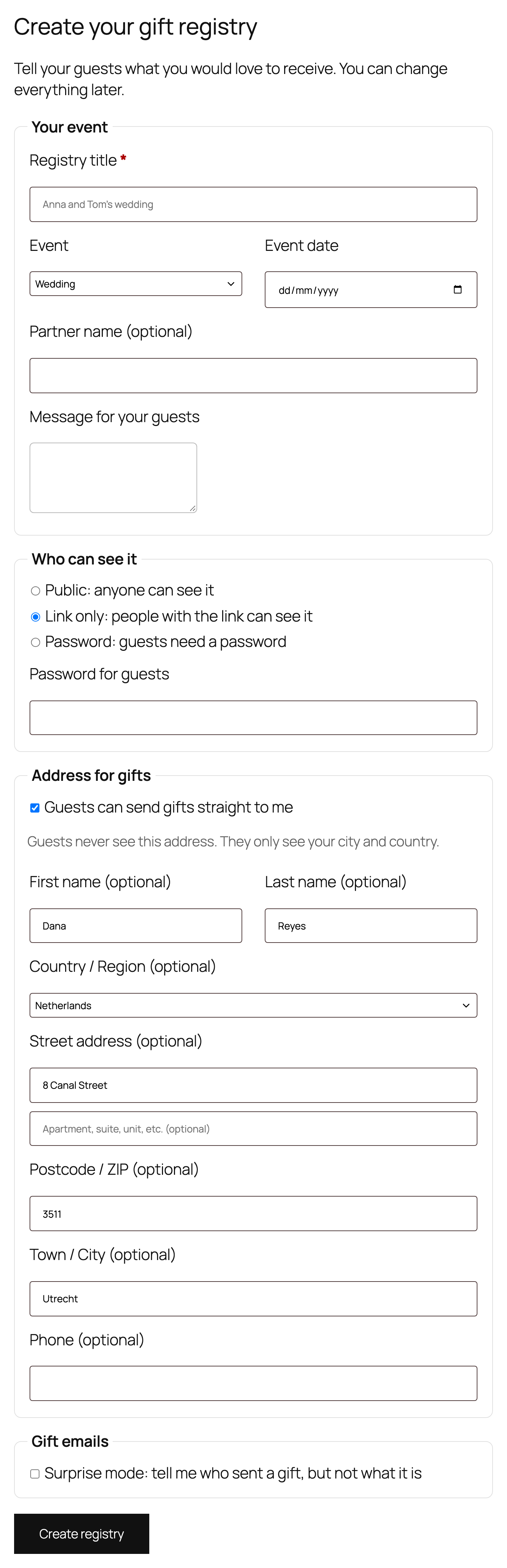
The fields
- Registry title and event: wedding, baby shower, birthday or other celebration, with the date.
- Partner name: shown with the host’s first name, for example Sofia and Erik.
- Message: a note for guests on the registry page.
- Who can see it: public, link only (not indexed by search engines) or a password.
- Address for gifts: filled from the customer’s account. Guests only ever see the city and country.
- Surprise mode: the host learns who sent a gift, but not what it is.
If a customer clicks Add to gift registry before having a registry, the product is remembered and added right after the registry is created.