
Upload a PDF on any request, in the Return label box. It is attached to the approval email and offered on the status page. Upload it before you approve, so it goes with the email.
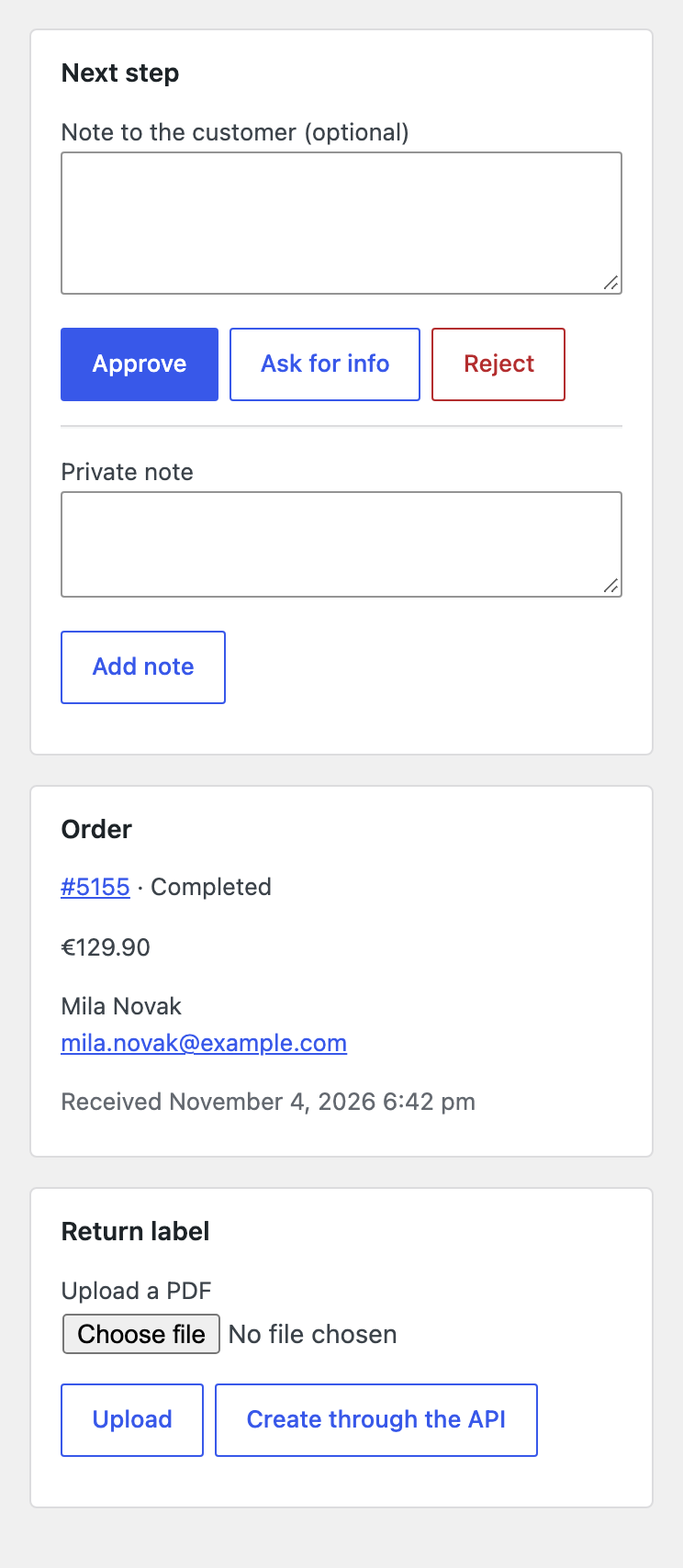
Or connect a shipping API with your own key. The plugin sends a POST with JSON to your address, with a Bearer key: request, order, from (customer name, address, email), to (your return address), items and store_name. It expects label_url or label_pdf_base64, and an optional tracking_number. A small script can translate this to your carrier. Change the data with the wfrxp_label_api_body filter.
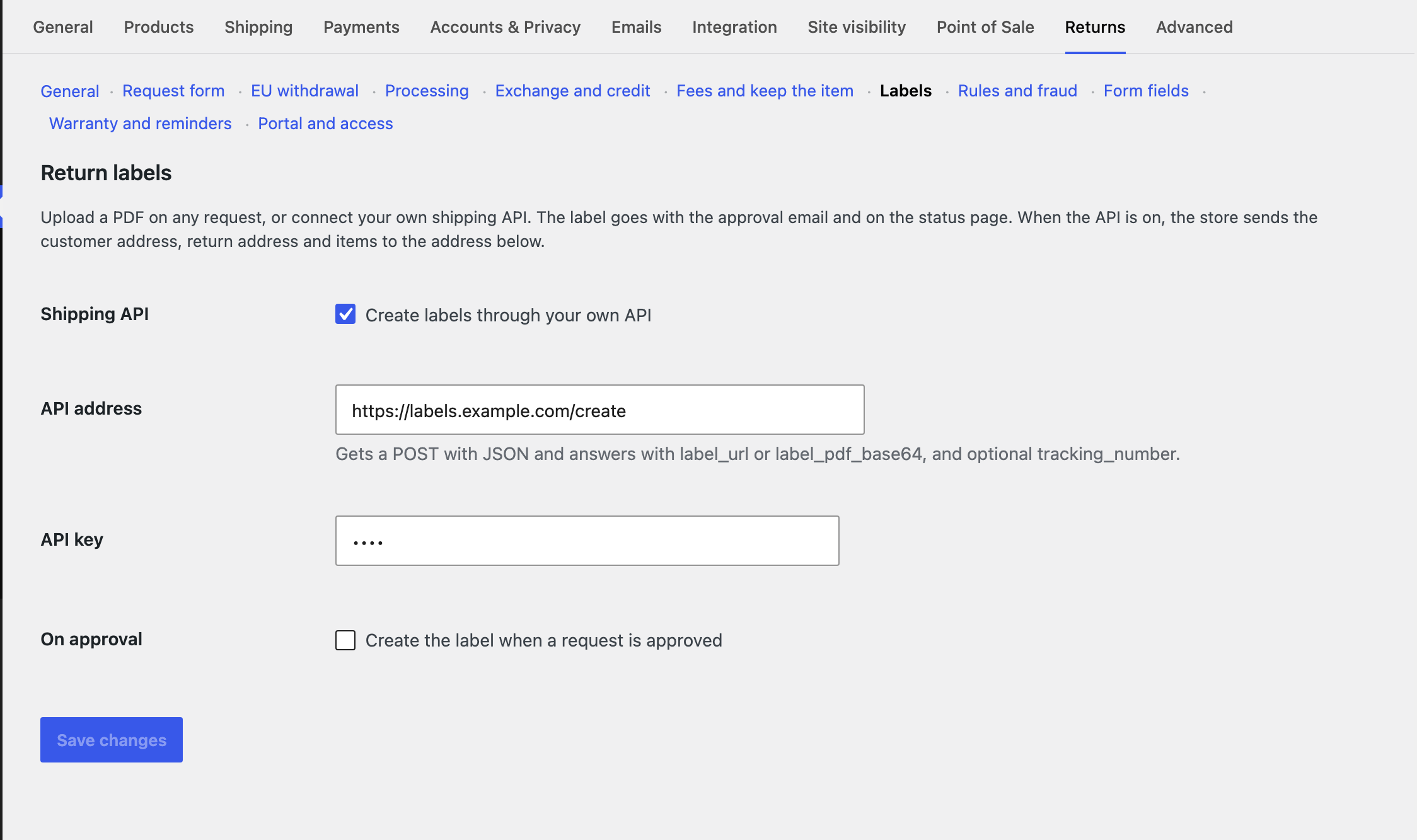
Privacy. Nothing is sent until you turn the API on. The service is the one you choose, so name it in your privacy policy.