
All emails are WooCommerce emails. Turn each on or off, edit the subject and heading and preview them under WooCommerce, Settings, Emails. Copy emails/wfrx-request.php to yourtheme/woocommerce/emails/ to change the template. Placeholders: {order_number}, {request_number}, {items}, {status}, {note} and {first_name}.
| To | When | |
|---|---|---|
| New return request | Store | A customer or guest submits a request, or answers a question |
| Return request received | Customer | Right after submitting |
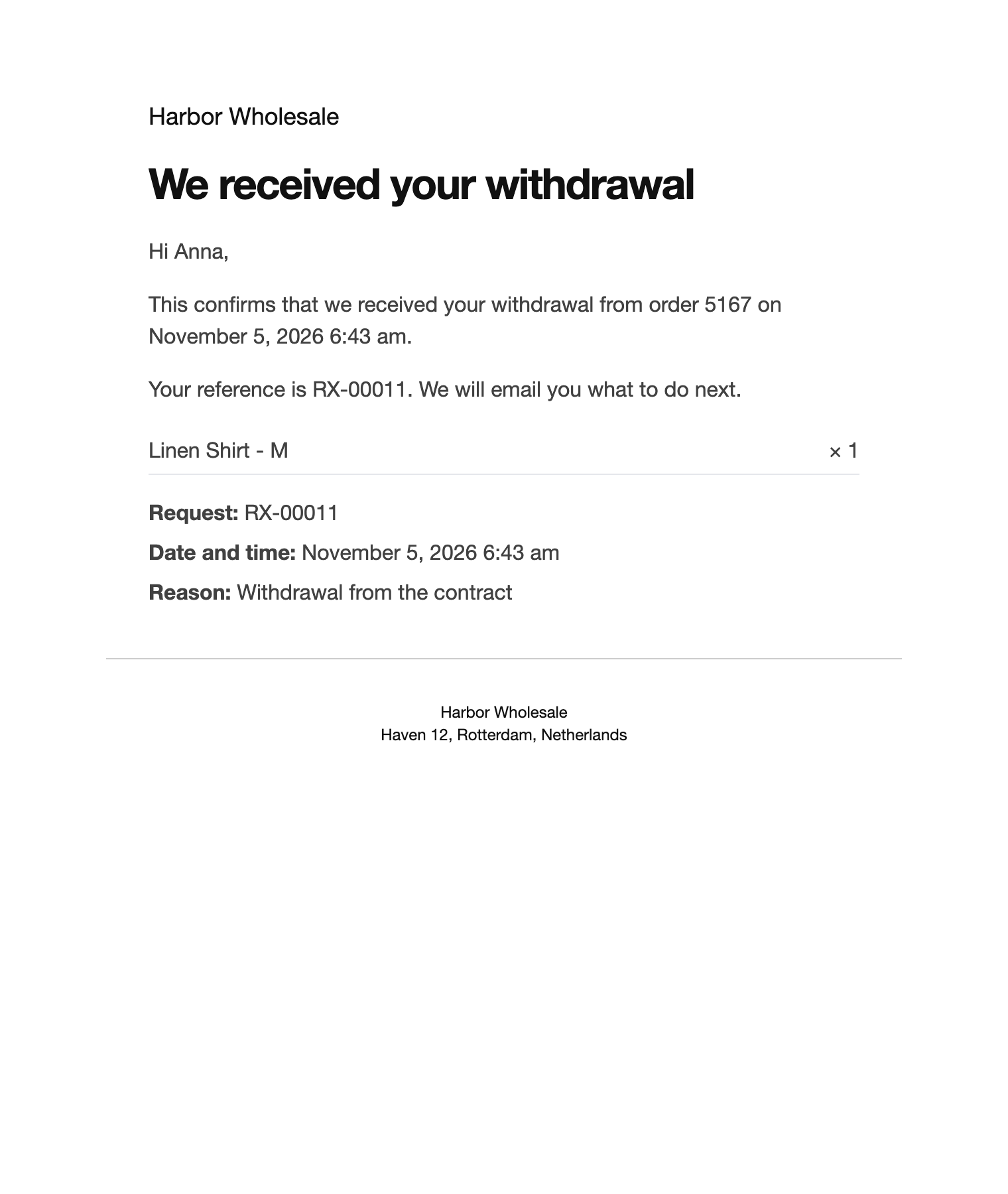
| Withdrawal confirmation | Customer | Right after a withdrawal, with date and time |
| Guest verification link | Guest | One time link to continue. Always sent. |
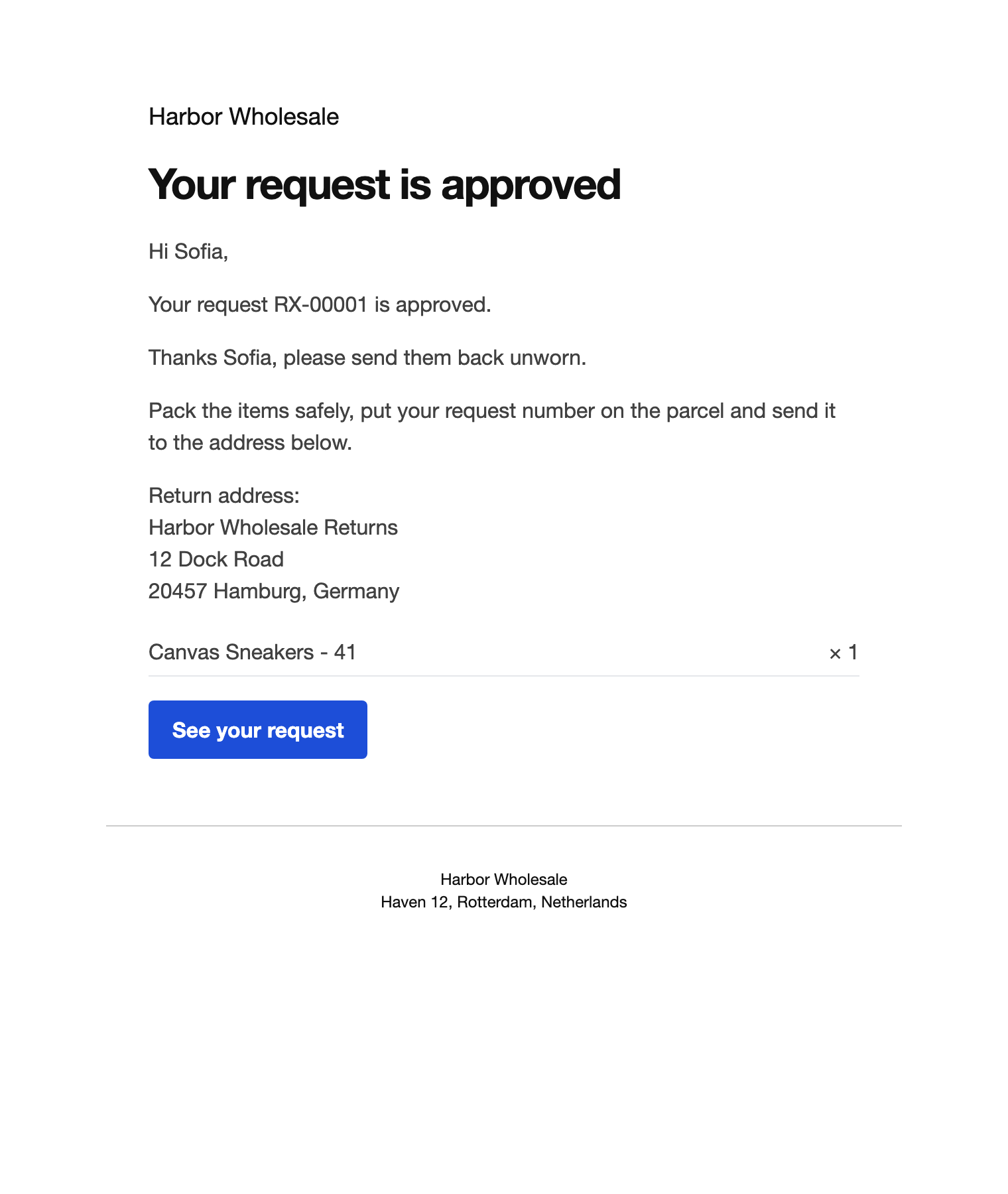
| Return request approved | Customer | With the address and instructions |
| Return request rejected | Customer | With your note |
| More information needed | Customer | With your question |
| Return received | Customer | The parcel is marked received |
| Refund or credit issued | Customer | With the amount, method or code |
| Exchange order created | Customer | With the new order number |
WooCommerce’s own refund email and the processing email of exchange orders are held back for these orders, so customers do not get two emails for one step.