
Guest returns
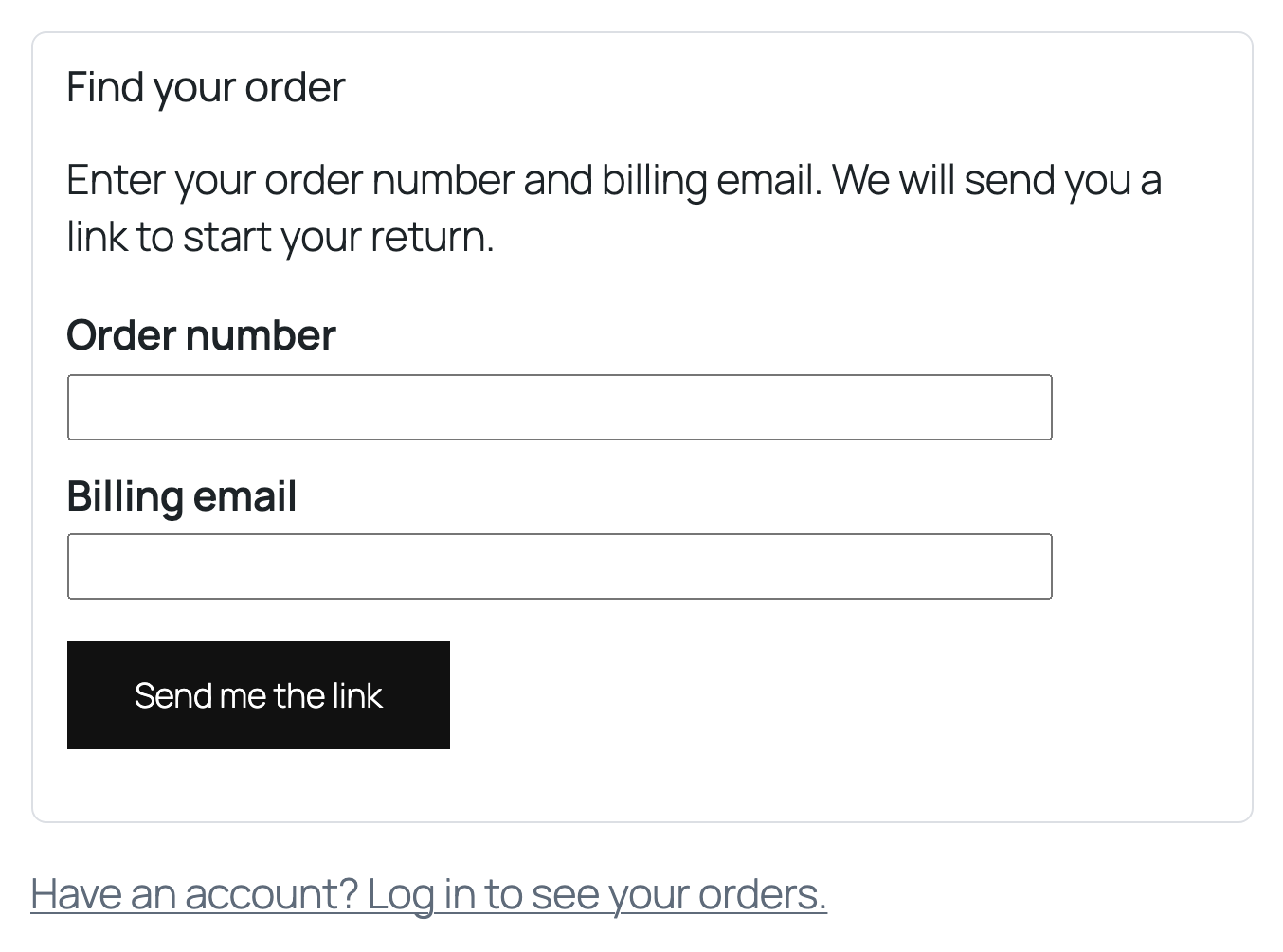
Guests open the Returns and exchanges page, enter their order number and billing email, and get a one time link by email. The answer on screen is the same whether or not the order exists, so nobody can test which orders are real. The link stops working after one use or two hours. It opens a Continue button, so mail scanners that open links do not use it up.
EU withdrawal
Article 11a of the Consumer Rights Directive asks for a clearly labelled function, a form without login, a confirm step and a confirmation with date and time. The plugin gives you:
- A link labelled Withdraw from contract here, in the footer of every page and on order pages. Change the label under EU withdrawal. A block and the
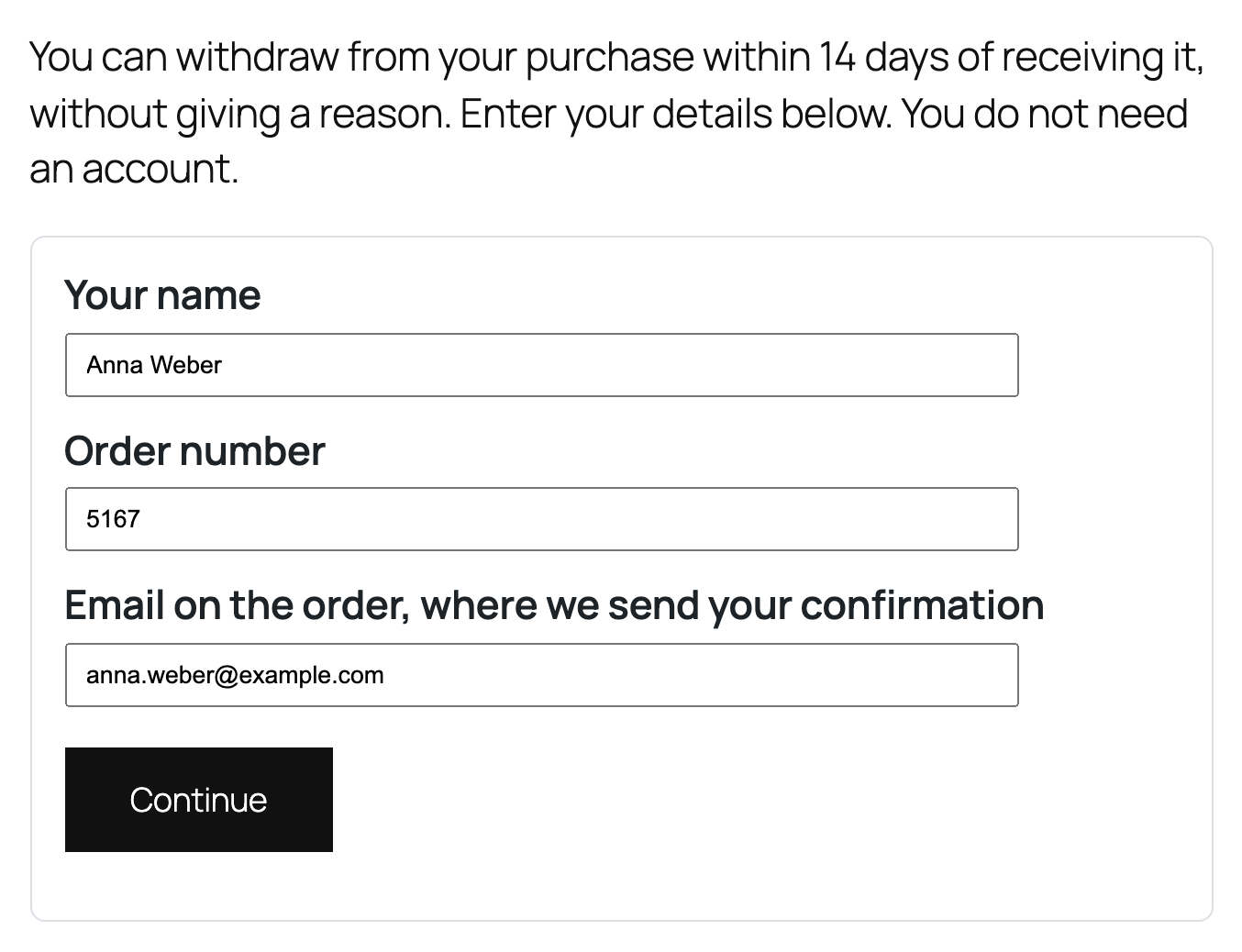
[wfrx_withdrawal_link]shortcode place it anywhere else. - A form that asks for name, order number and email, with no account needed.
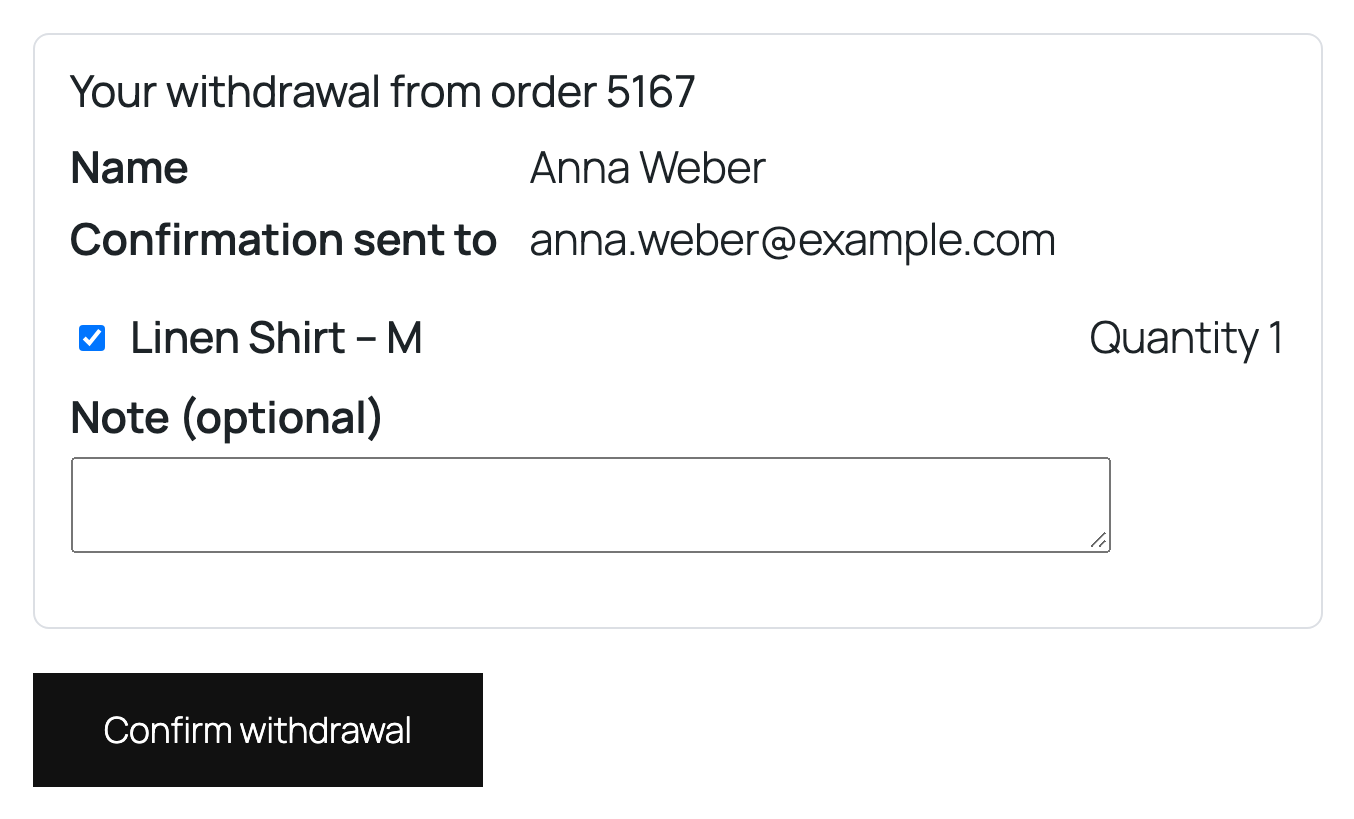
- A second screen with the items and a Confirm withdrawal button.
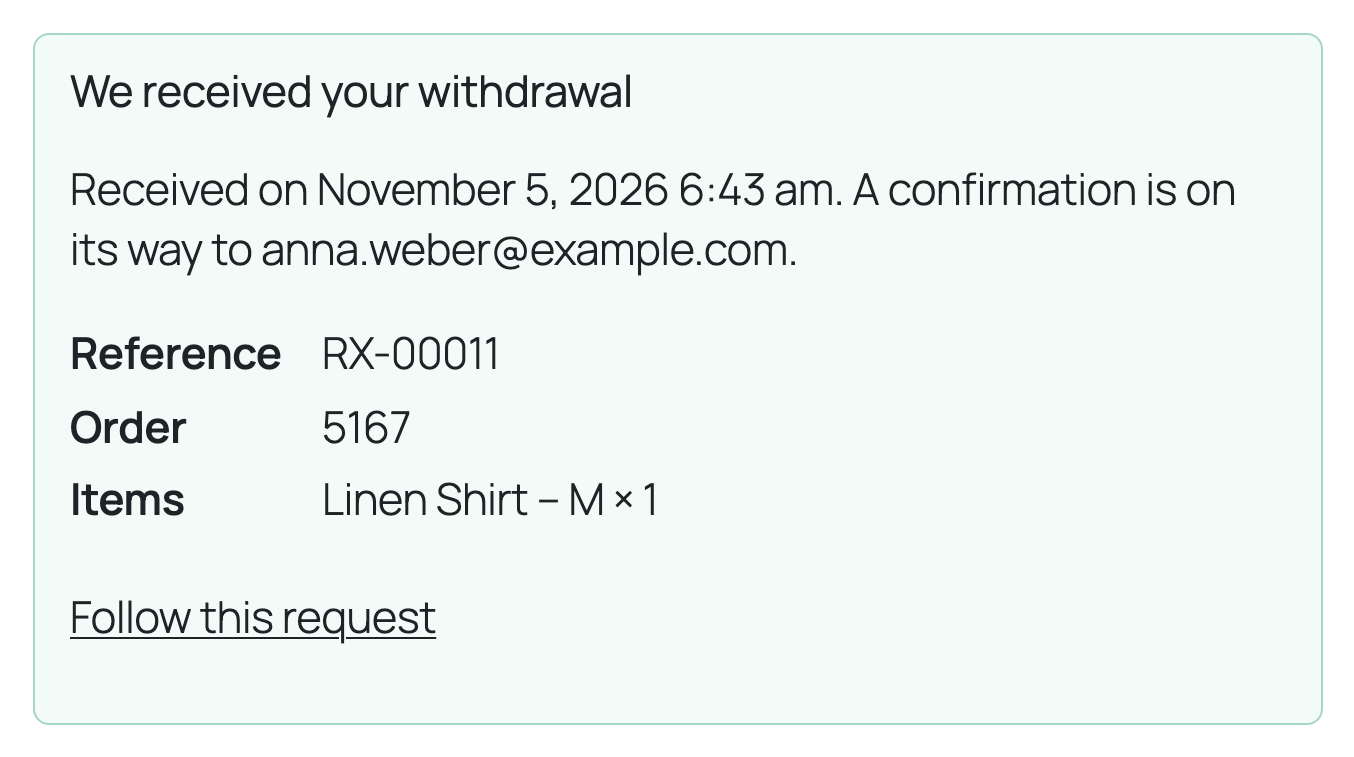
- A receipt on screen and an instant email with the date and time of receipt.
Not legal advice. The plugin follows the directive text and all labels can be edited, but national rules differ. Check the wording, the withdrawal period and which products are excepted with your legal adviser. Mark excepted products with No right of withdrawal in the Inventory tab.