You get an email for each new claim. The Delivery guarantee box on the order screen shows the promise, the customer’s words and the photos. Photos are kept in a protected folder with random names, and only store staff can open them.
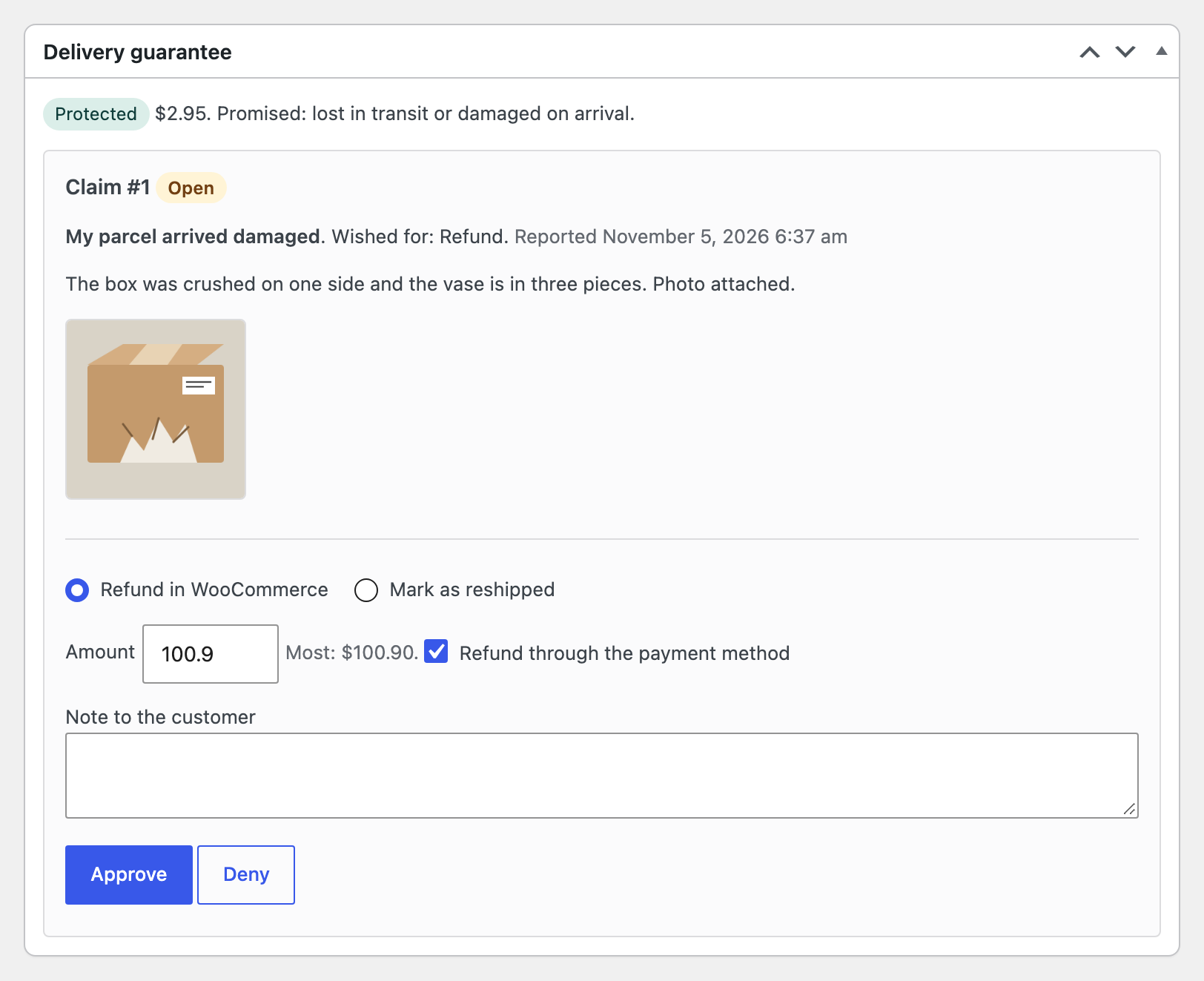
- Refund. A normal WooCommerce refund, through the payment method when it can refund online. The limit on the order is enforced.
- Mark as reshipped. You send the replacement yourself and enter what it cost, so the numbers stay right.
- Deny. A note to the customer is required.
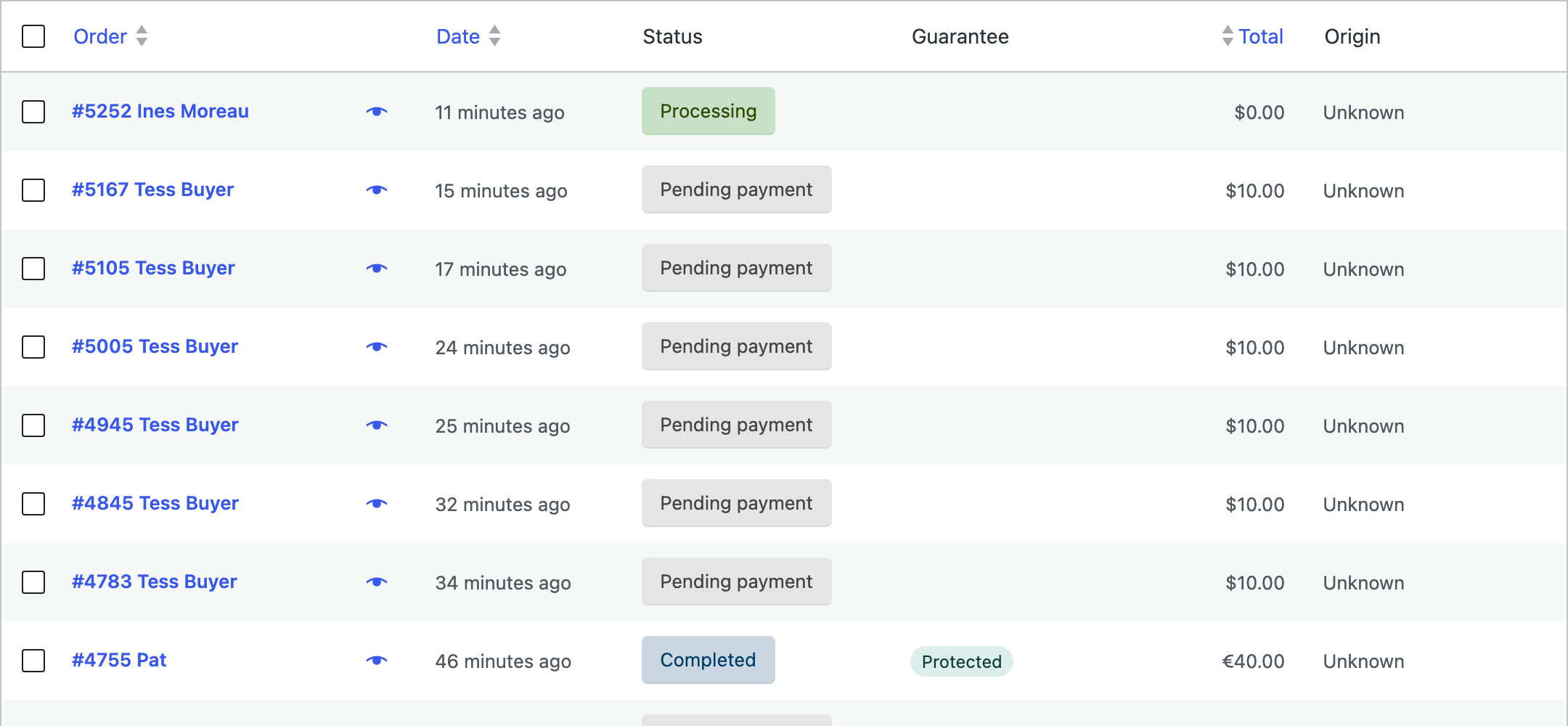
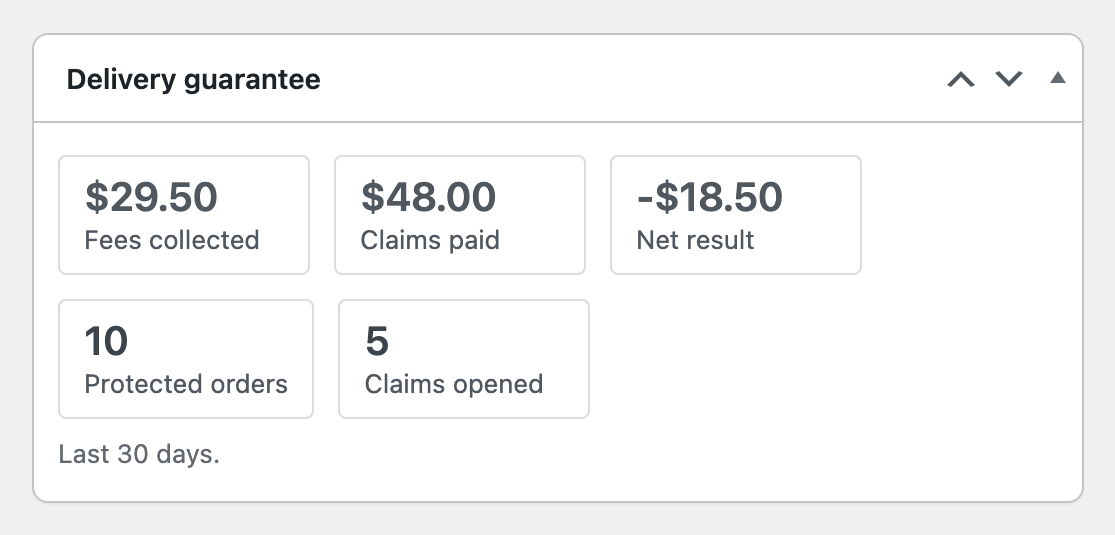
Every step goes in the order notes and the customer gets an email. Protected orders have a badge and a filter in the orders list, and the dashboard has a card for the last 30 days.