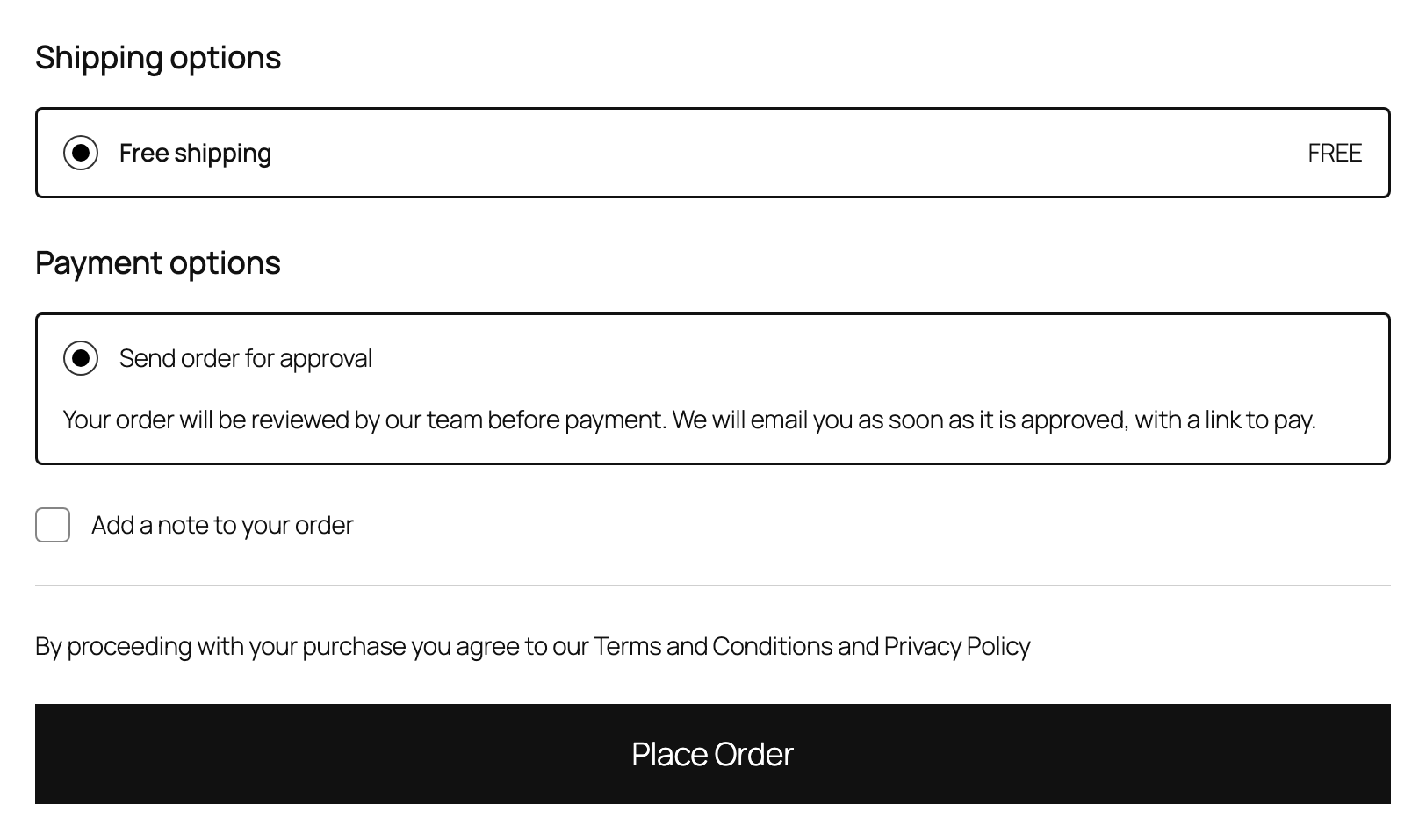
Approve then pay: a buyer whose order needs approval sees “Send order for approval” instead of the payment methods, with a short explanation.
With Pay then approve, buyers pay as normal and see a notice above Place order that the order will be reviewed before it ships.
Works in the Checkout block and the classic checkout. Which methods a buyer may use is decided on the server, so approval cannot be skipped by changing the page.
Buyers who do not match your settings see no change at all.
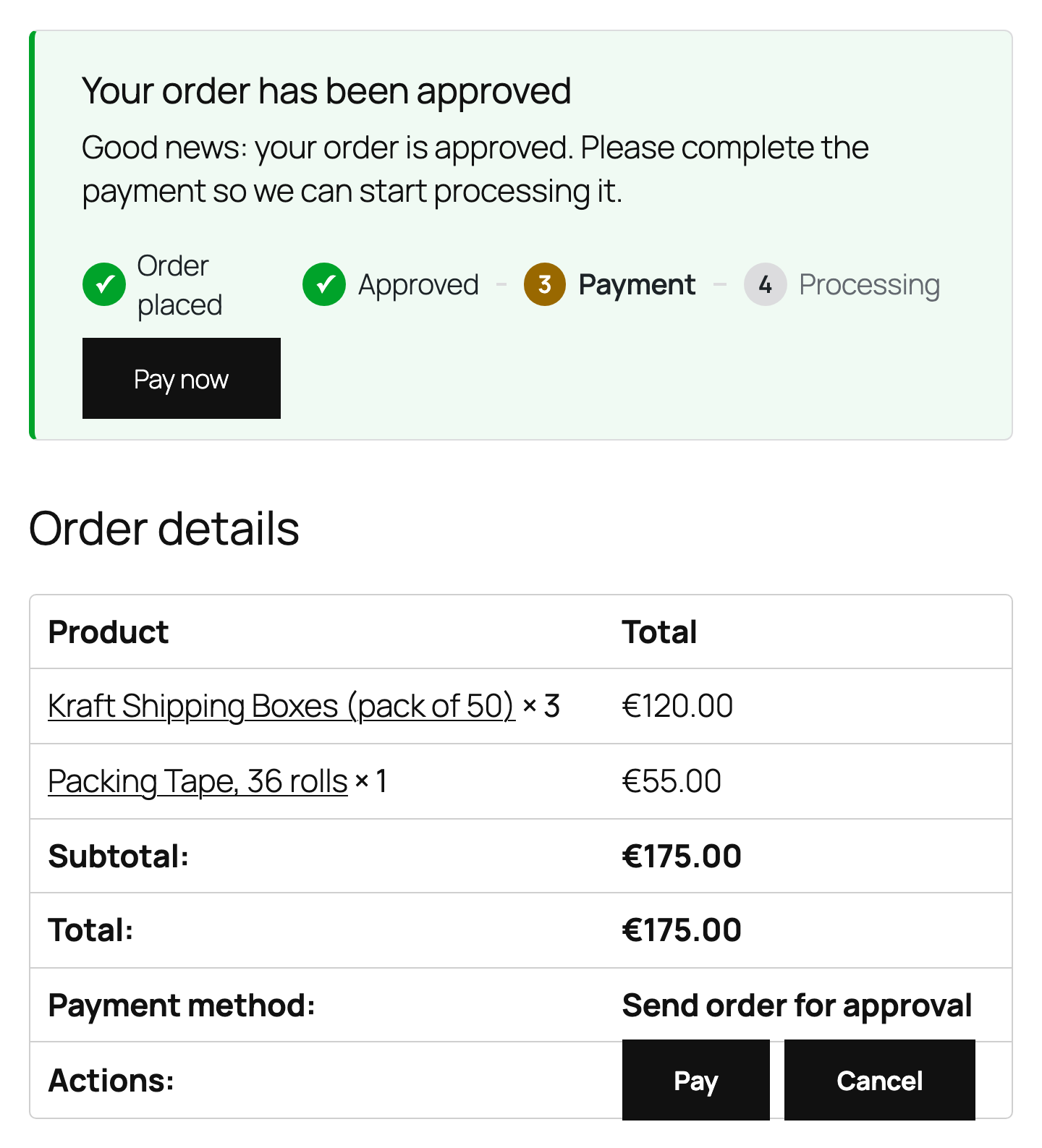
After approval the buyer sees the status, a step by step timeline and a Pay now button on the thank you page and in My Account.