Payment window and reminders
Approved orders that are not paid get reminder emails on the days you choose (2 and 5 by default) and are cancelled after the payment window (7 days by default), with the stock put back. The buyer sees the pay by date in My Account.
Reject single lines
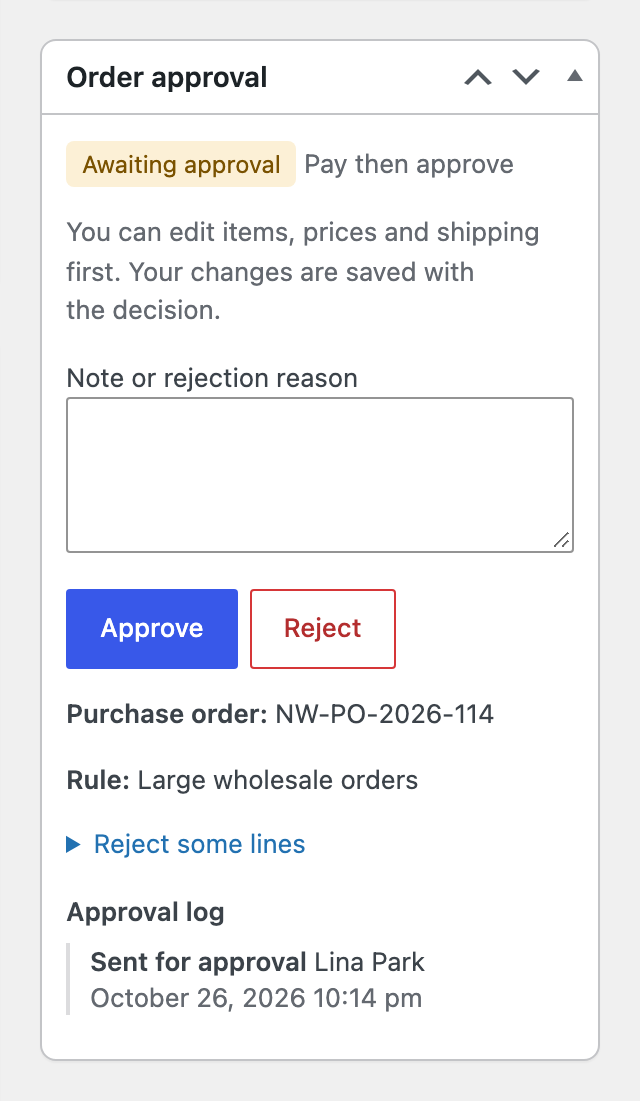
Open “Reject some lines” in the approval box, tick the lines and click Approve. On an unpaid order the lines are removed and the total recalculated before the buyer pays. On a paid order the lines are refunded. The Order approved email lists the rejected lines.
Refund on rejection
When a paid order is rejected, the full amount is refunded through the payment gateway when it supports refunds. Otherwise an order note asks you to refund by hand.
Purchase order payment method
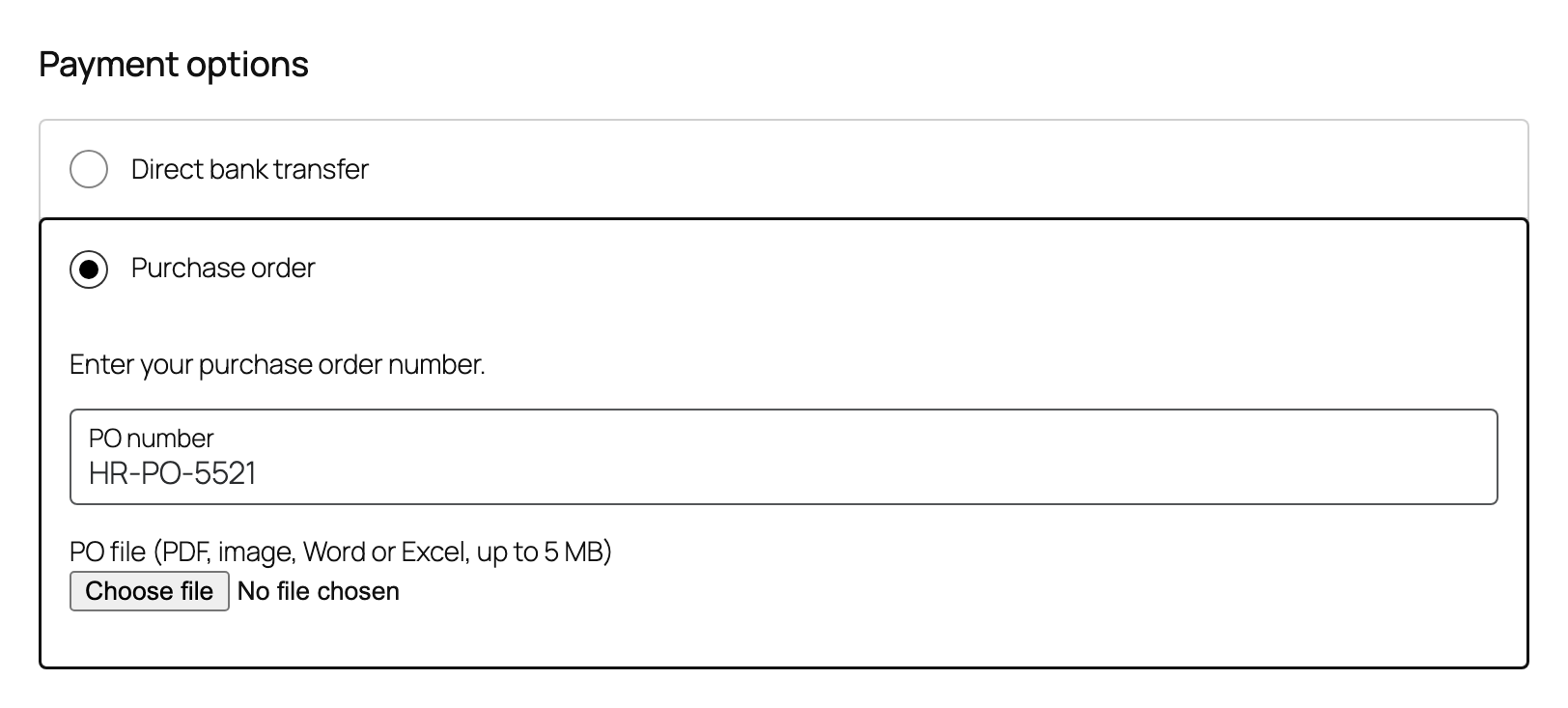
- Turn it on under WooCommerce, Settings, Payments, Purchase order. Choose the roles that may use it and whether the PO file is off, optional or required.
- Orders wait on hold, or in approval when they need approval.
- The PO number shows on the order, in emails and in My Account. PO files are stored privately and only staff can open them.