Docs / B2B Order Approval
Pro: approve from the email
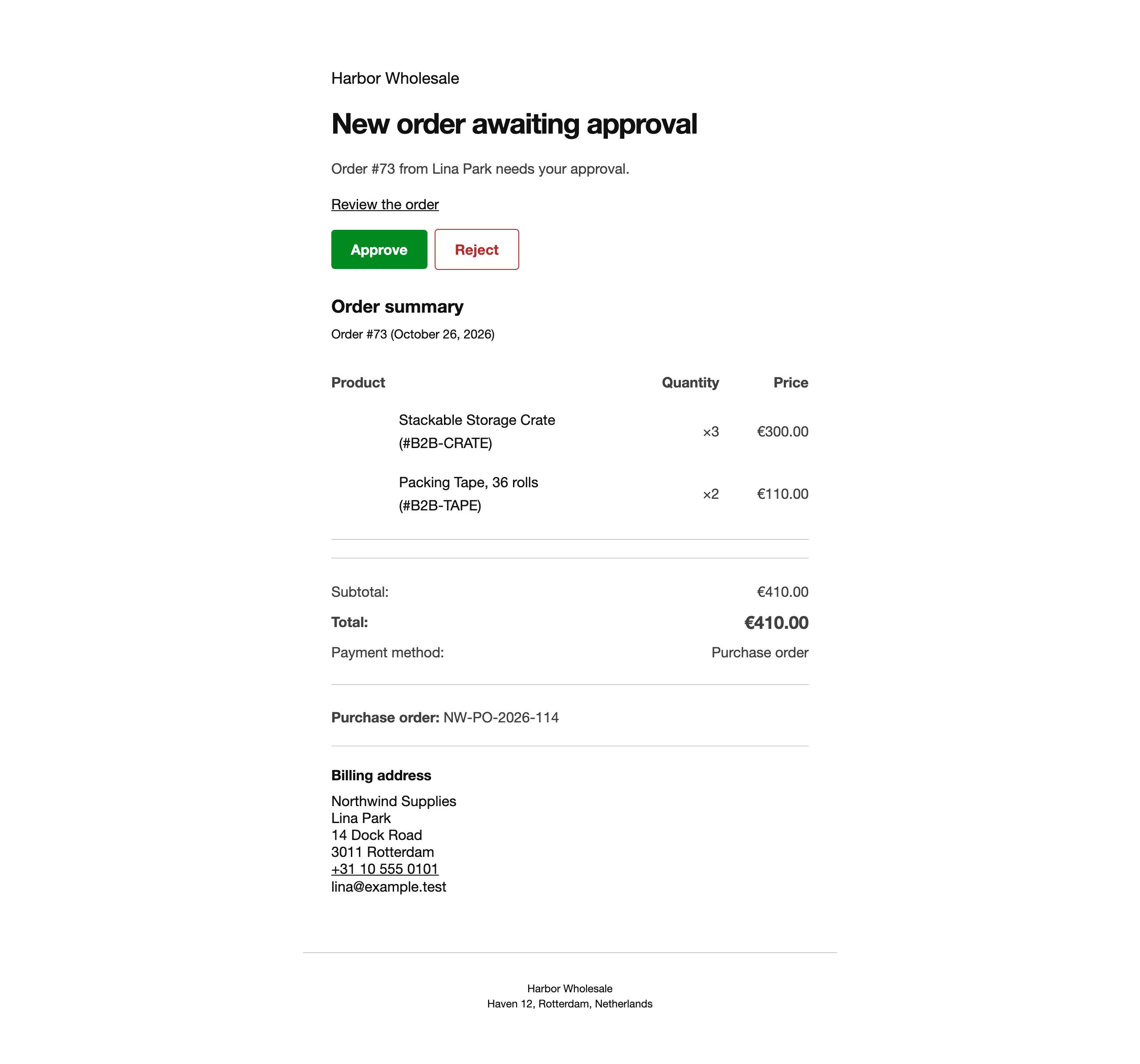 Approve and Reject buttons in the approval request email.
- Approval request emails to the store, company managers and chain approvers get Approve and Reject buttons.
- Each link is signed for one approver and one step, works once and expires after the hours you set (72 by default).
- The link opens a confirm page. Nothing is decided until the approver clicks Confirm, so mail scanners that open links cannot approve orders.
- A used or expired link shows a clear message instead.
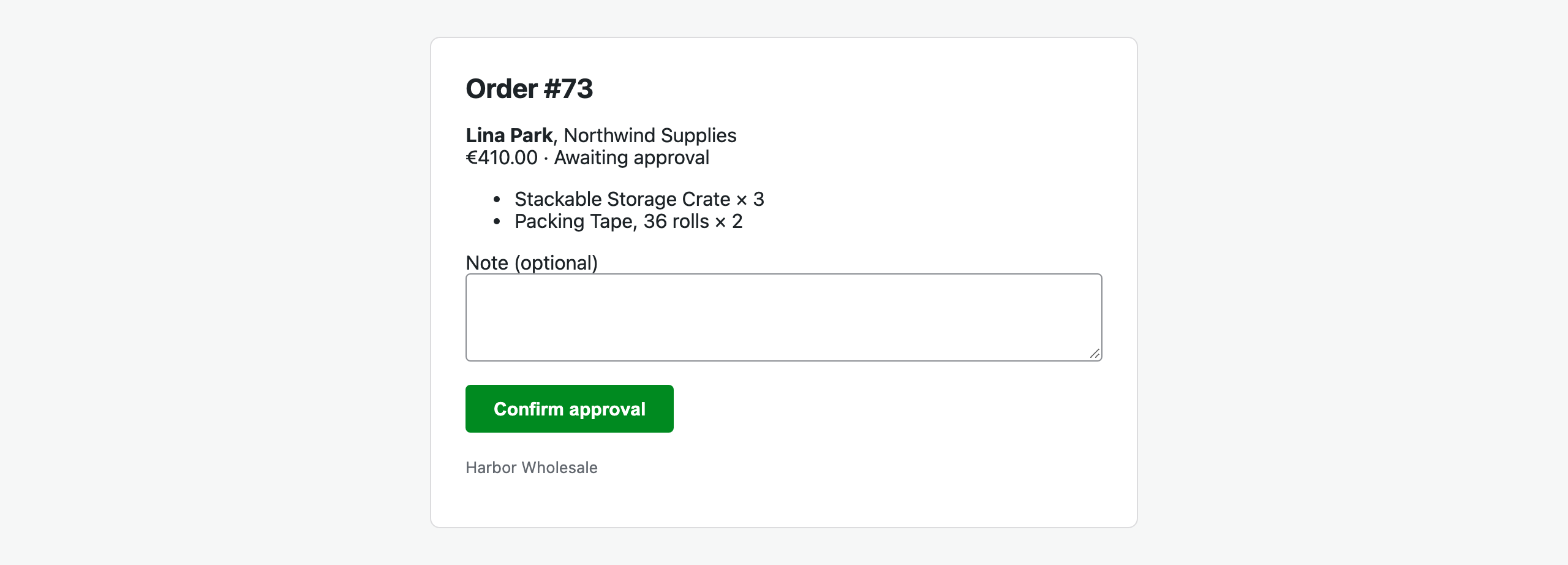 The confirm page.
