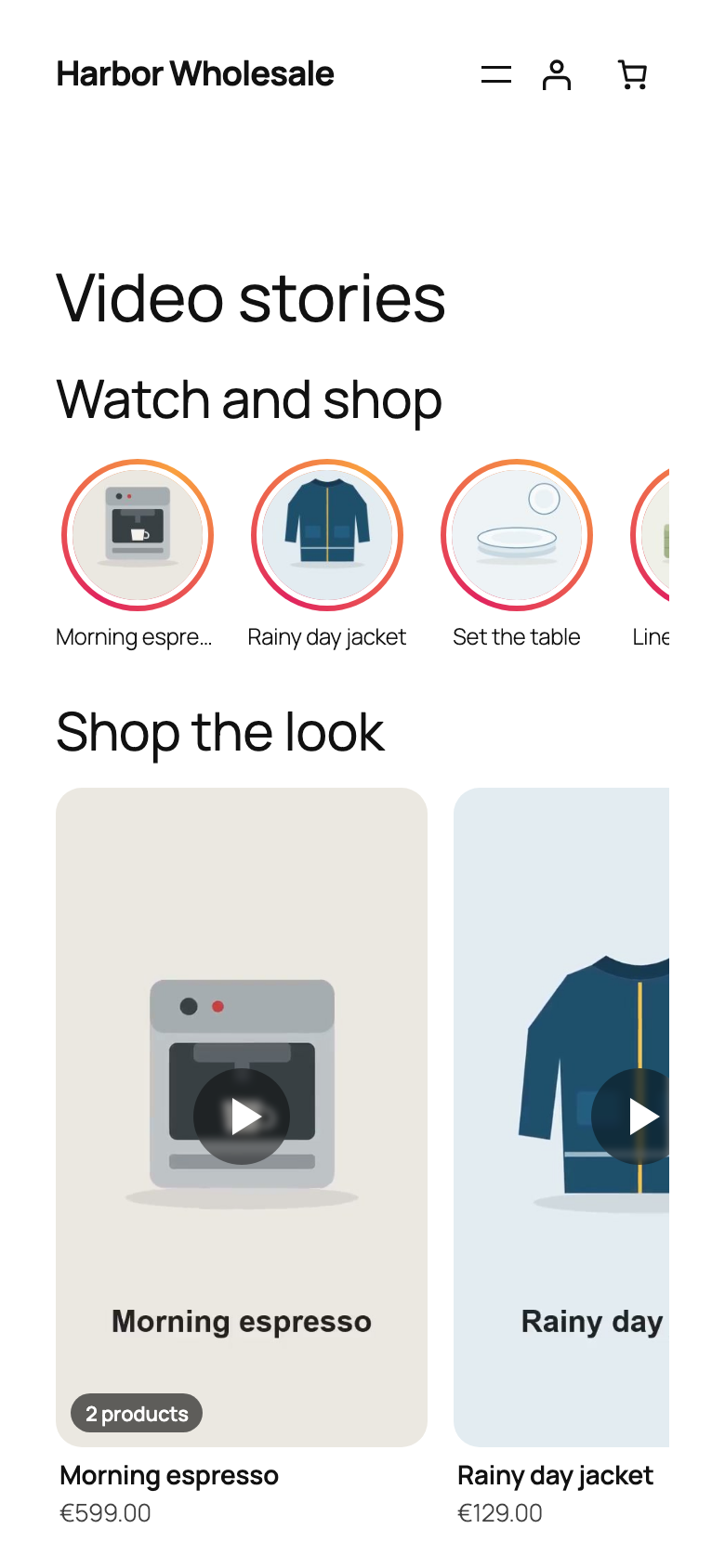
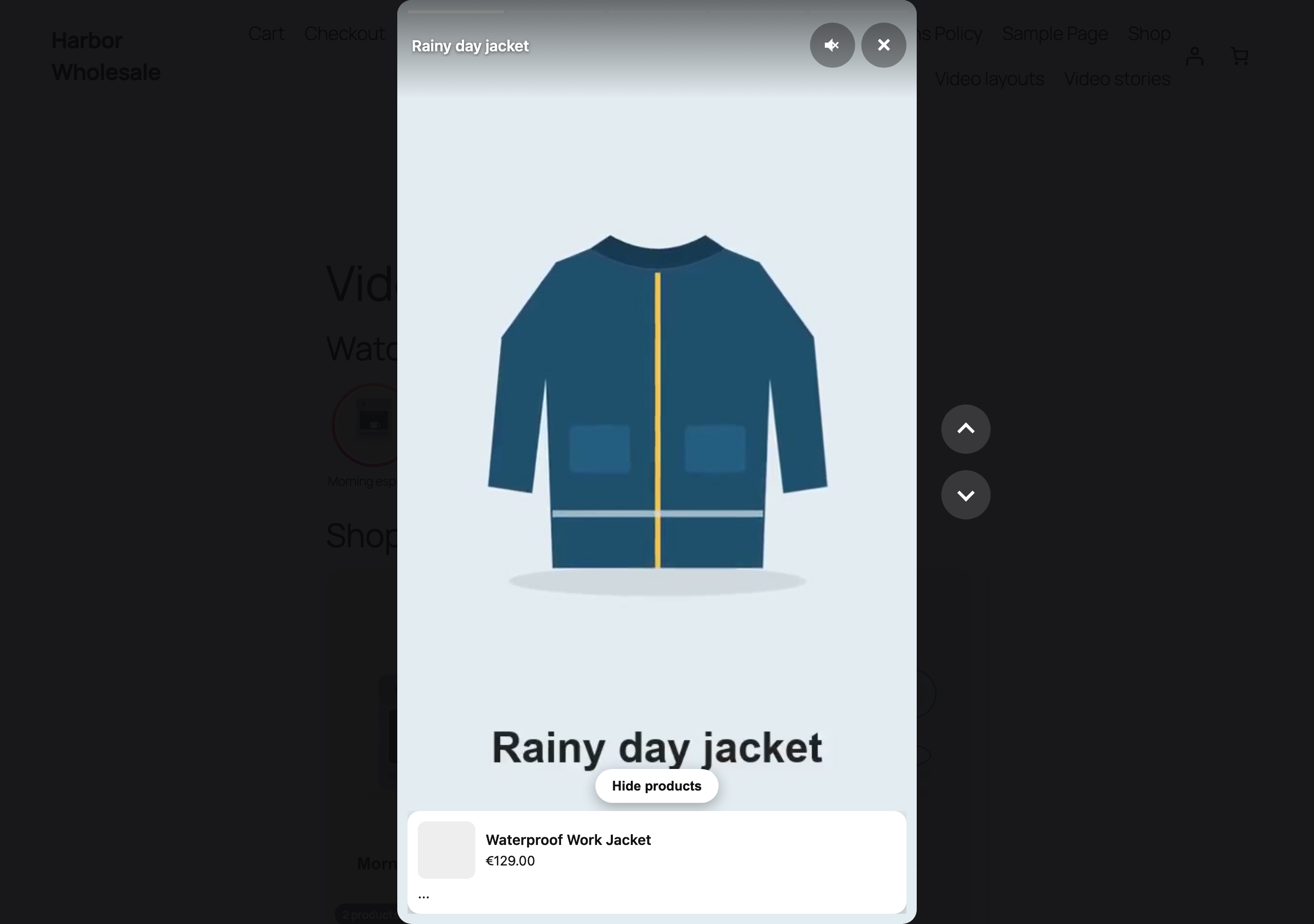
A tap on a bubble or card opens the full screen player at that video. Shoppers swipe up or down on phones, or use the arrows and arrow keys on desktop. Each video shows a progress bar and moves on to the next when it ends. The mute button, Escape to close and a focus trap make it work with the keyboard and screen readers.


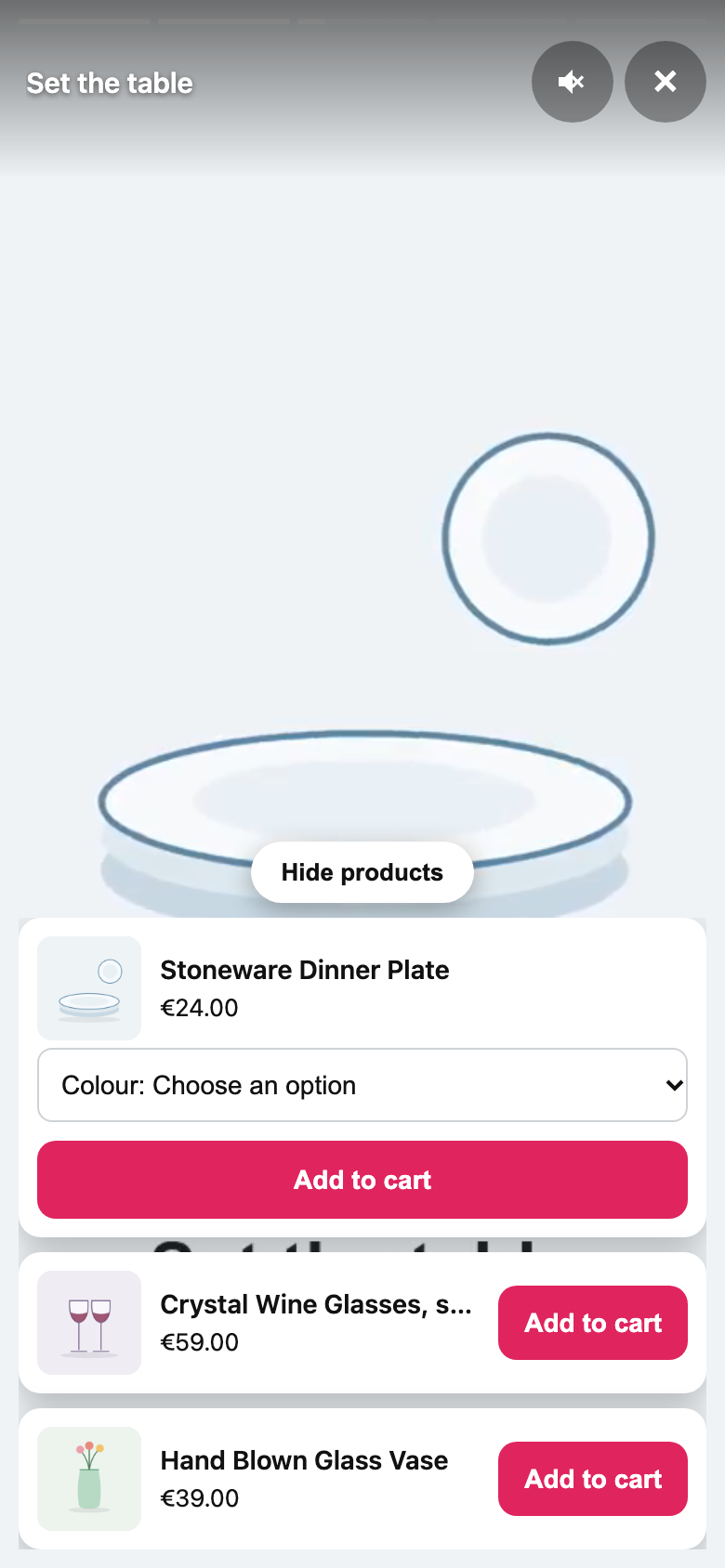
After add to cart
Choose under Settings, Player what happens next: stay in the player with a message and a Checkout link, close the player and open the Mini Cart, or go straight to the checkout.
Fast and private
Only poster images load with the page, lazily. The video file loads when a shopper opens it. The player script and styles load only on pages that show videos. Shoppers who ask for reduced motion see no animations.