
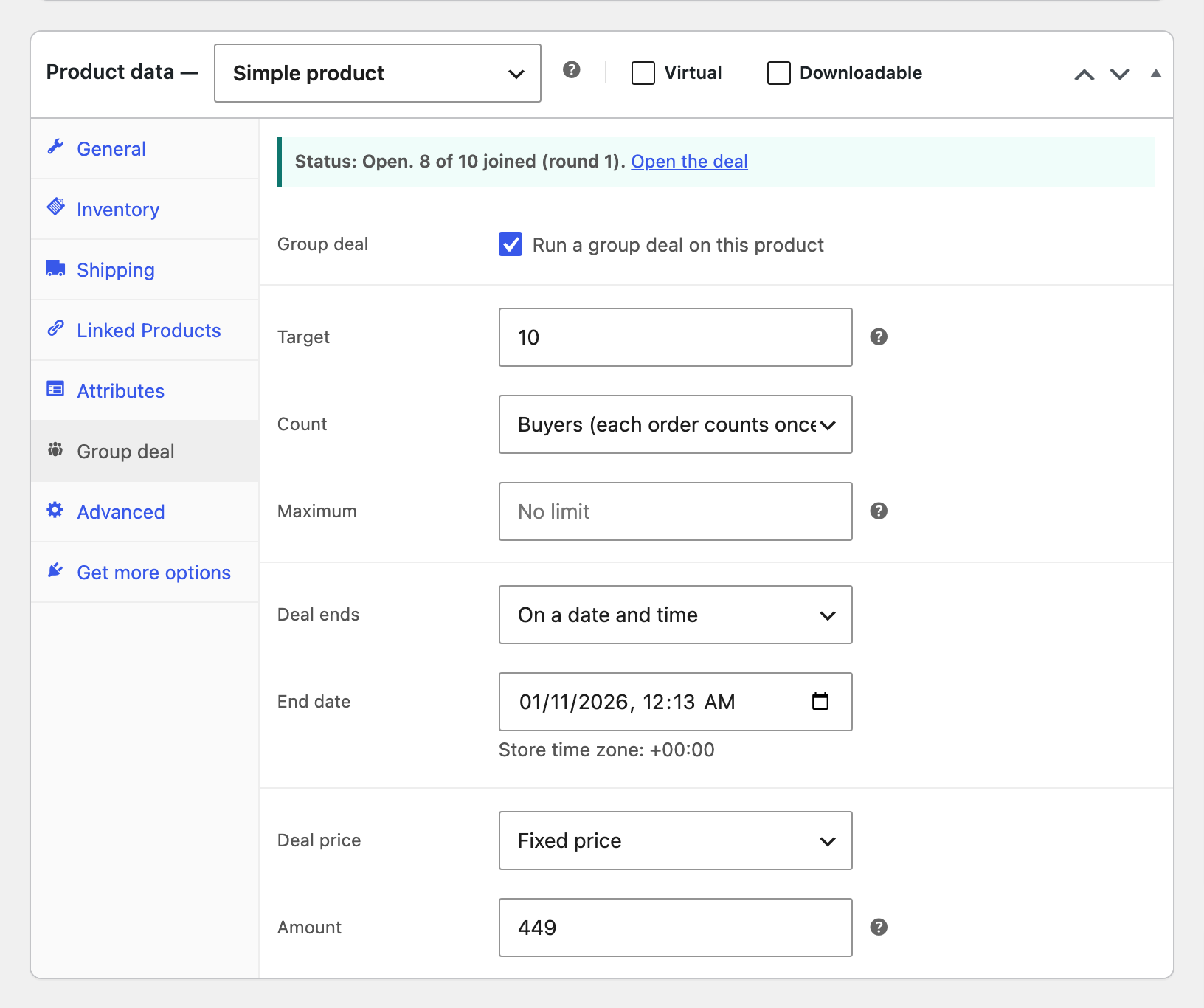
| Field | What it does |
|---|---|
| Target | How many buyers or items unlock the deal. |
| Count | Buyers counts each order once, whatever the quantity. Items sold counts every unit. |
| Maximum | Optional cap. When the deal is full it stops taking buyers. A lock stops two last minute checkouts from passing it. |
| Deal ends | On a date and time in your store’s time zone, or a number of days after the first buyer joins. |
| Deal price | A fixed price, or a percent off the regular price. A fixed price applies to every option of a variable product. |
| New round | Shown once a deal has ended. Tick it, check the end date and save to run the deal again from zero. Setting a new future end date also starts a new round. |
While a deal runs, every purchase of the product joins it at the deal price. If you turn on Buy alone in the settings, shoppers also get a button to buy at the normal price without joining. When the deal ends, the product goes back to its normal price.