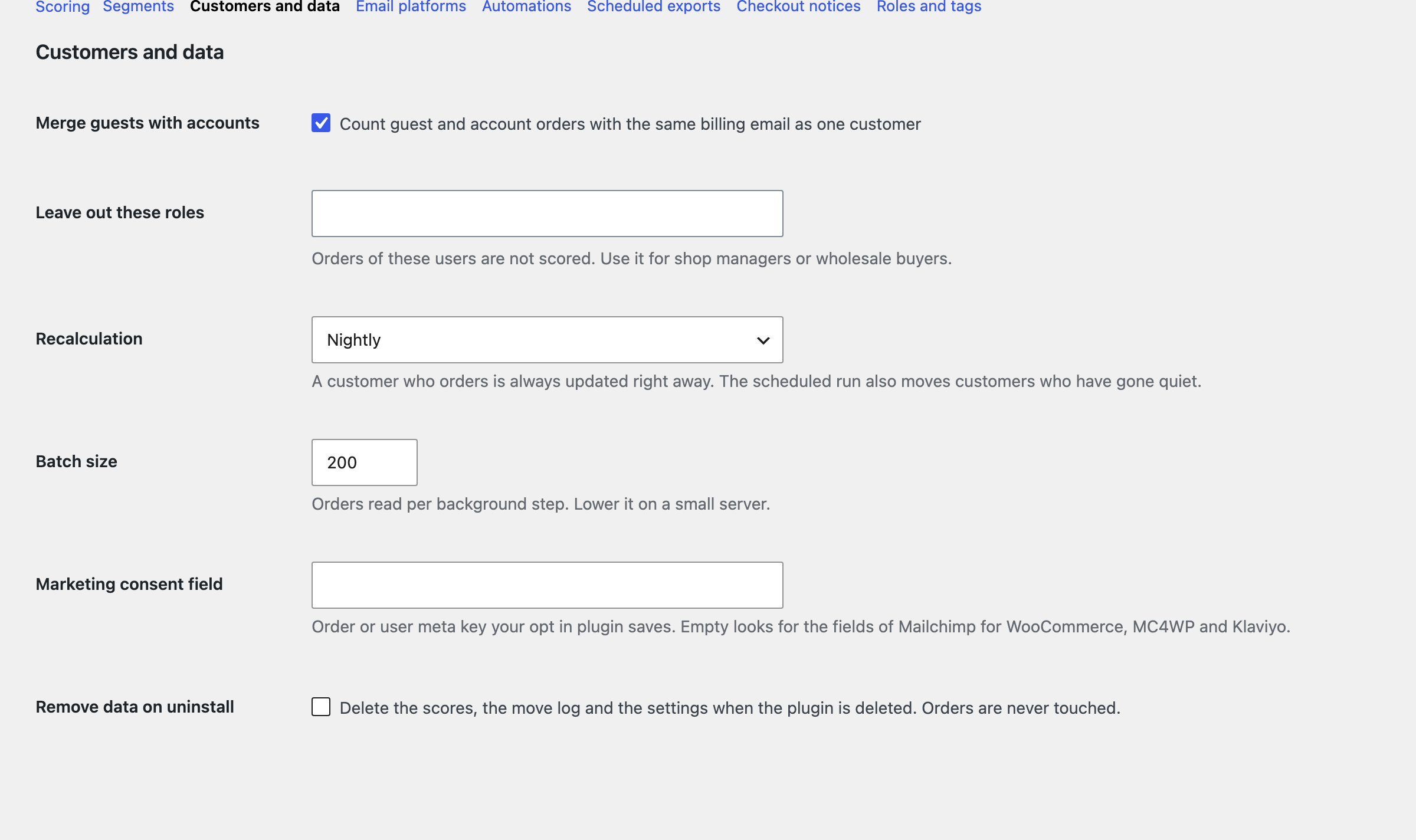
Under WooCommerce, Settings, Customer segments.
| Section | Setting | What it does |
|---|---|---|
| Scoring | Lookback window | All time, 12, 24 or 36 months. A customer with no order inside it leaves the list. |
| Order statuses | Completed and processing by default. | |
| Refunds | Subtract from what was spent, or ignore. An order paid back in full stops counting. | |
| Zero value orders | Left out by default. | |
| Score method | Quintiles or fixed thresholds. | |
| Segments | Names, colors, rules | See section 4. |
| Badges | Show or hide on orders and on users. | |
| Customers and data | Merge guests | Same billing email is one customer. Off: an account’s orders join, and guests stay by email. |
| Leave out roles | Such as shop managers or wholesale buyers. | |
| Recalculation | Nightly, weekly or manual. | |
| Batch size | Orders per background step. Lower it on a small server. | |
| Consent field | Meta key of your opt in plugin. | |
| Remove data | Delete scores and settings when the plugin is deleted. Orders are never touched. |