
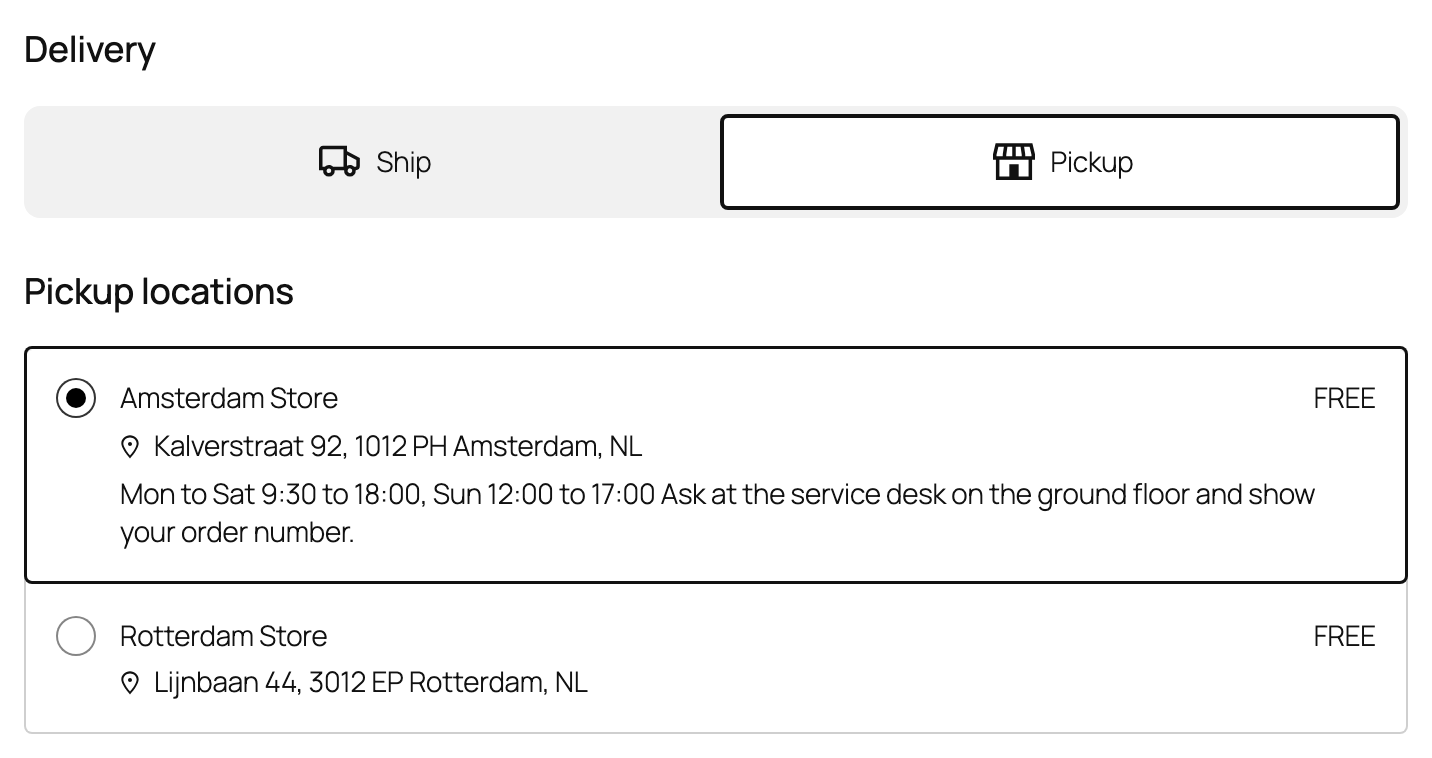
Turn on pickup in a location’s edit form and add opening hours and instructions. Each such store appears in the Pickup choice of the Checkout block and as a free option on classic checkout, by default only when it holds the whole cart. A pickup order is always filled by its store.
When the order is ready, use the order action Mark ready for pickup and tell the customer. The customer gets the Ready for pickup email.