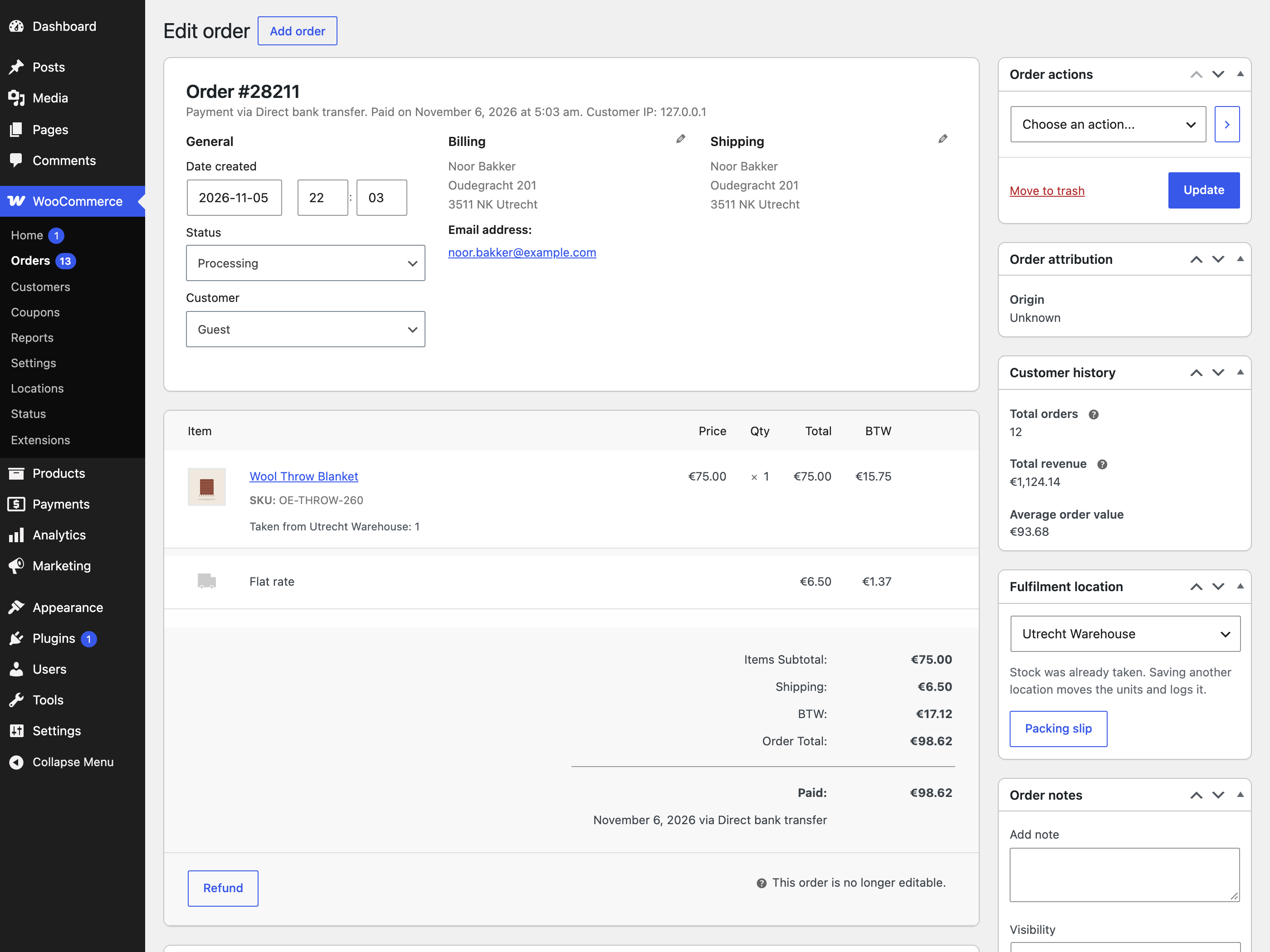
When a shopper places an order it gets a location, so staff see it before payment too. Stock leaves that location when the order is paid, or put on hold for bank transfer, just as WooCommerce reduces stock. If the location can no longer fill the order at that moment, the rule runs again.
| Rule | Picks |
|---|---|
| Priority order | The first location in your list that can fill the whole order. |
| Most stock | The location holding the most units of the ordered items. |
| Nearest location (Pro) | The closest location to the shipping address that can fill the whole order. |
When no location has enough you choose: allow it, and the default location goes short so staff can sort it out, or block checkout with a message. Lines that allow backorders never block.
Stock goes back to the same place on cancel and refund restock, also after a partial refund or when order lines are edited.