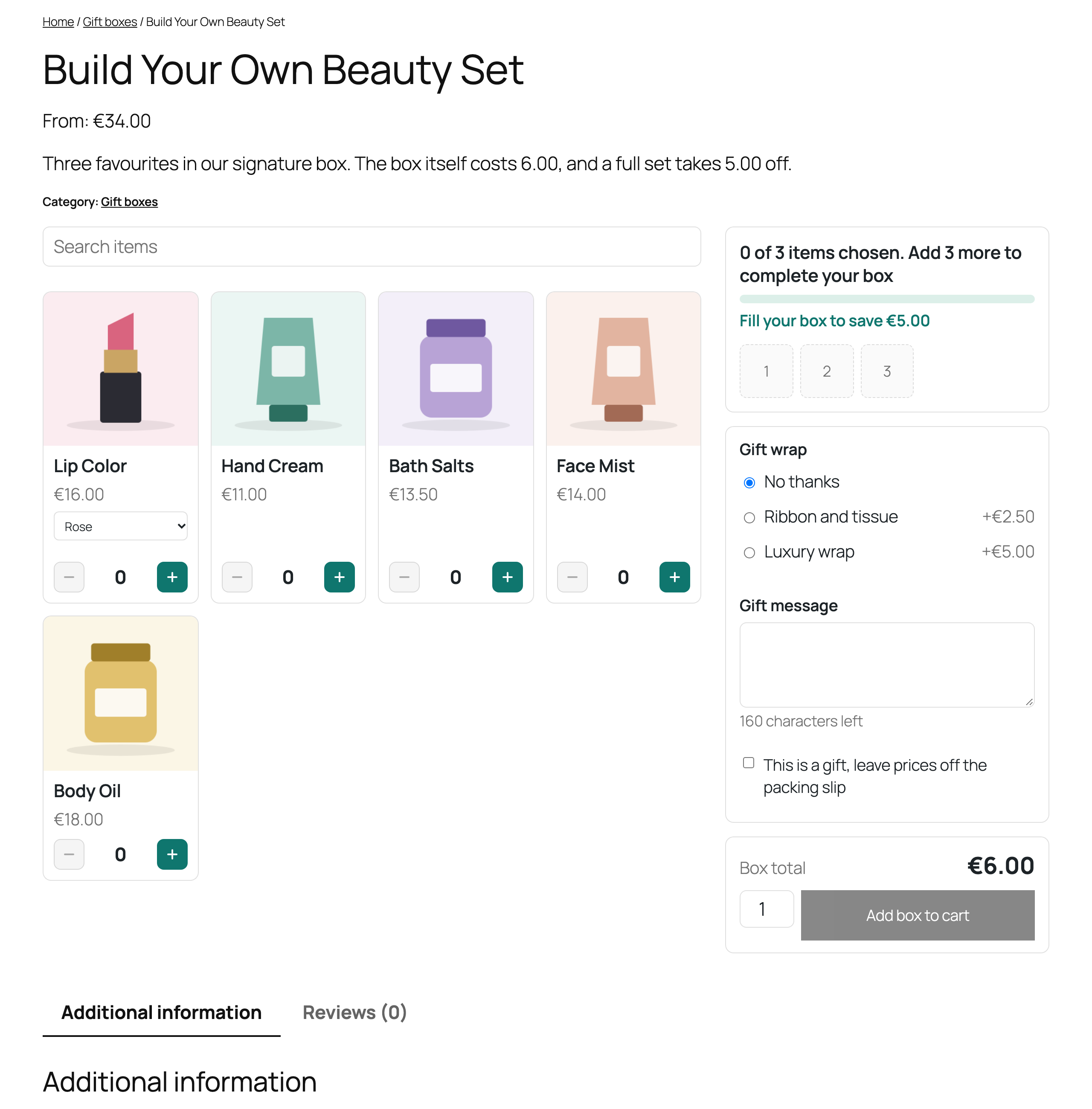
Sections
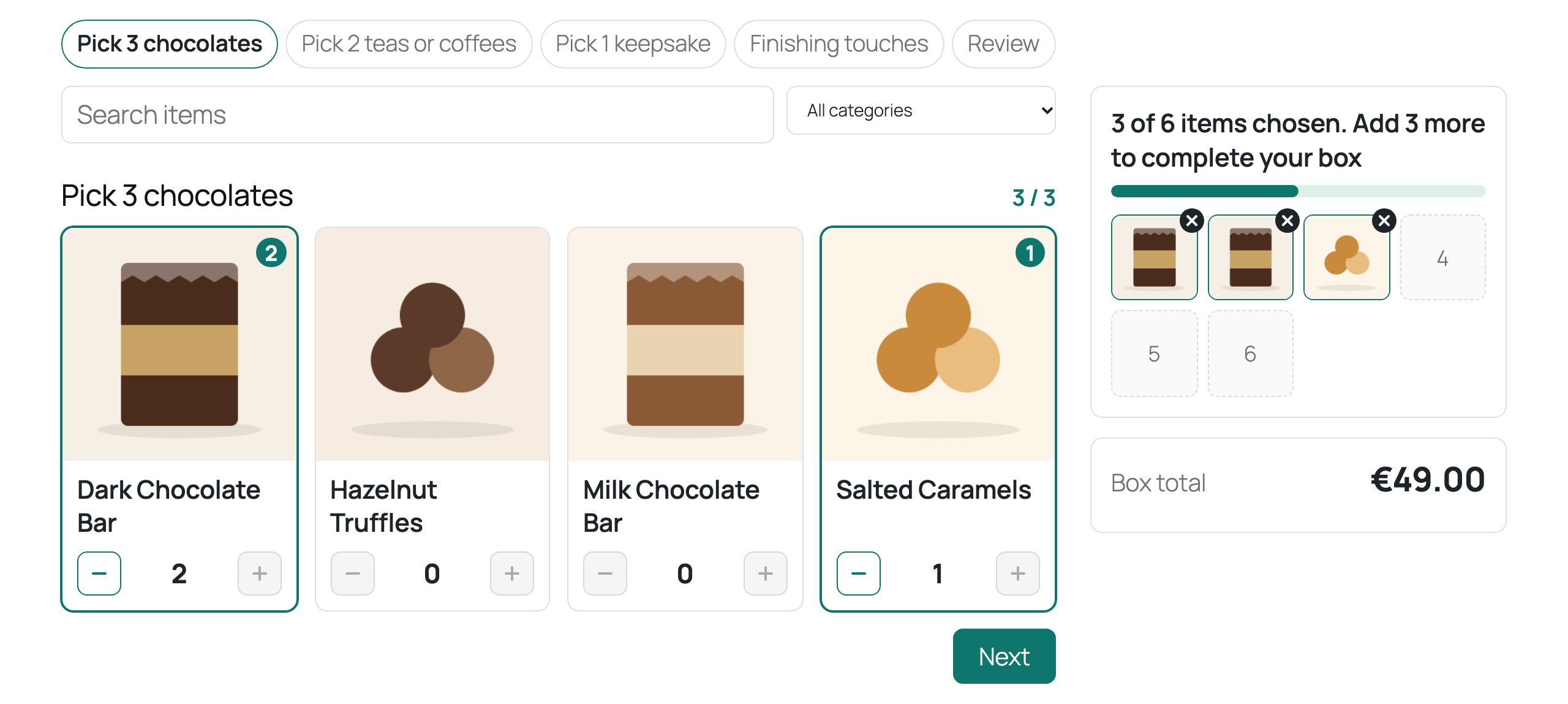
Split a box, for example pick 3 chocolates, 2 teas and 1 keepsake. Each section has its own items and number, and the box size becomes the sum. Sections take over from the size switch, so a box uses one or the other.
Prefilled boxes
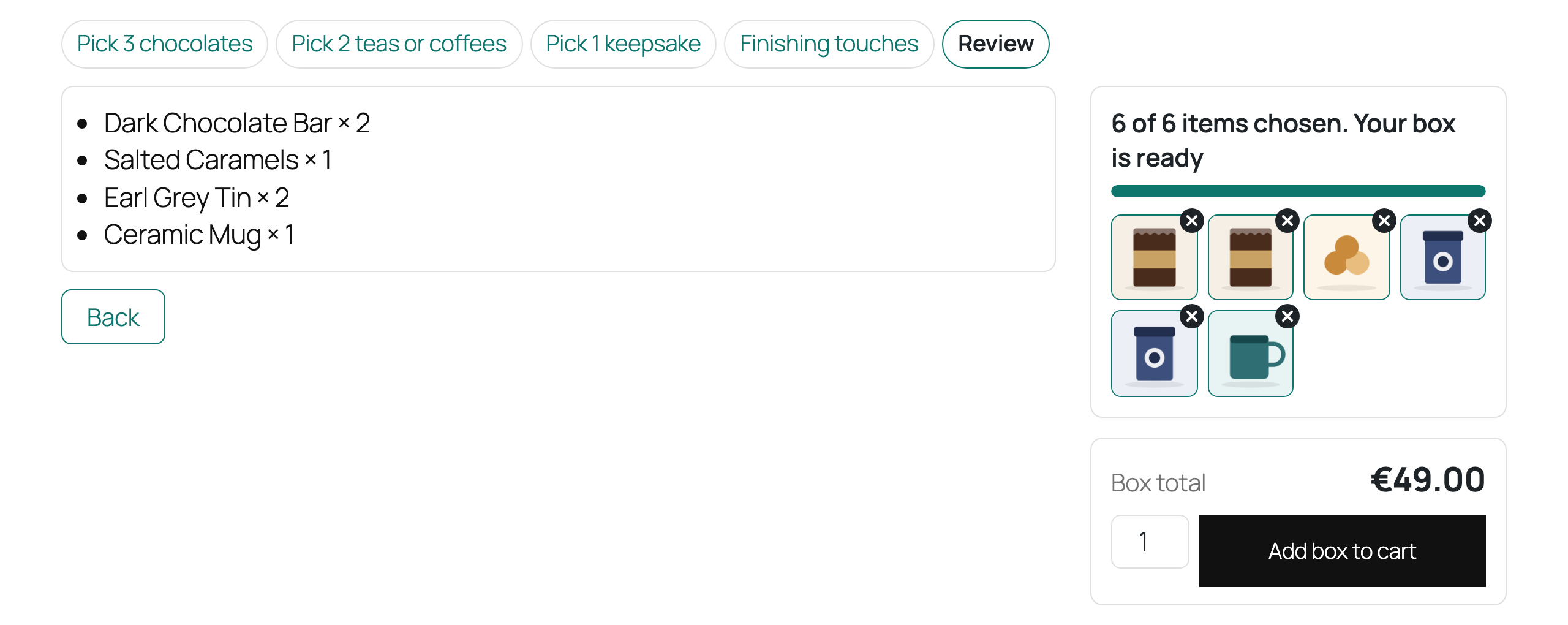
Set a default selection, such as your best seller box. Shoppers can buy it as is, swap items, go back with Start over or begin again with Empty the box. Prefilled items that have run out are left out.
Layouts
| Layout | Good for |
|---|---|
| Grid | The default, with the preview beside or above the items. |
| List | Items where the name matters more than the picture. |
| Full page | Hides the product gallery so the builder takes the page, with a side summary. |
| Wizard | One step at a time: size, each section or the items, finishing touches, then a review. |