
| Pricing mode | The shopper pays | Example |
|---|---|---|
| Fixed box price | The regular or sale price from the General tab, whatever goes in the box. | Six treats for 29.90. |
| Sum of the chosen items | The current price of each item, sale prices included. The shop shows a From price: the lowest box that meets the rules. | Four to twelve treats, pay for what you pick. |
| Base price plus items | The General tab price for the box, plus each item. | Box 6.00 plus three items. |
How stock works
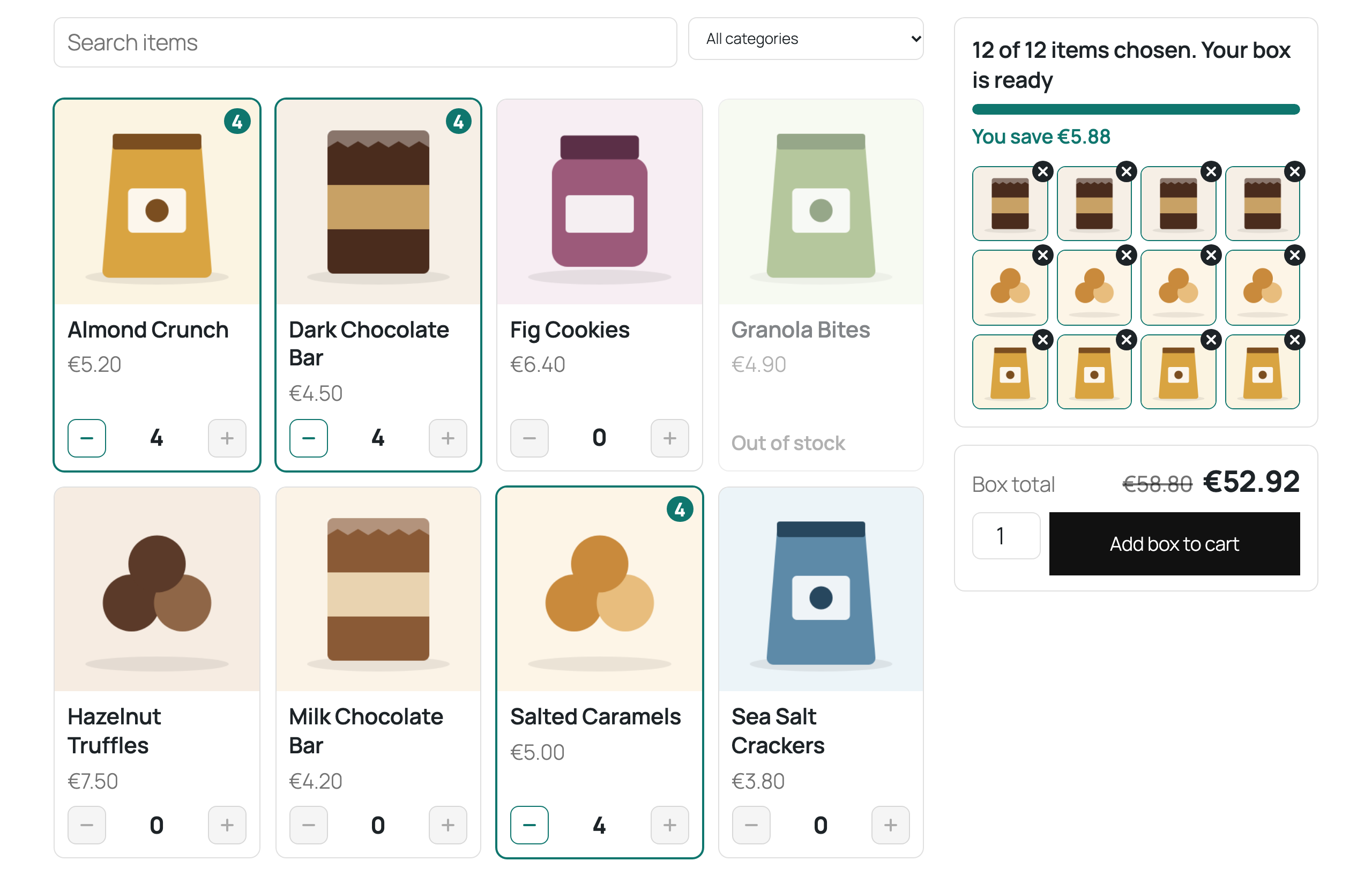
Behind the one line the shopper sees, each chosen item is its own cart and order line. WooCommerce reduces stock for each one, sends its normal low stock emails and puts stock back when an order is cancelled. In a fixed price box the item lines cost nothing and the box line carries the price, so tax follows the box. In the other modes the item lines carry their prices, so each item keeps its own tax class.
Stock is checked when the box is added, counting what is already in the cart and the number of boxes, and again in the cart and at checkout. When an item sells out while a box is in a cart, the message names the item and the order can not go through until the box is removed or the stock is back. If an item is deleted or unpublished, the box is removed from the cart with a message.
Shipping
One parcel ships the box only, with the weight and size on its Shipping tab. The weight of each item ships the items only. Either way the shopper still sees one line.