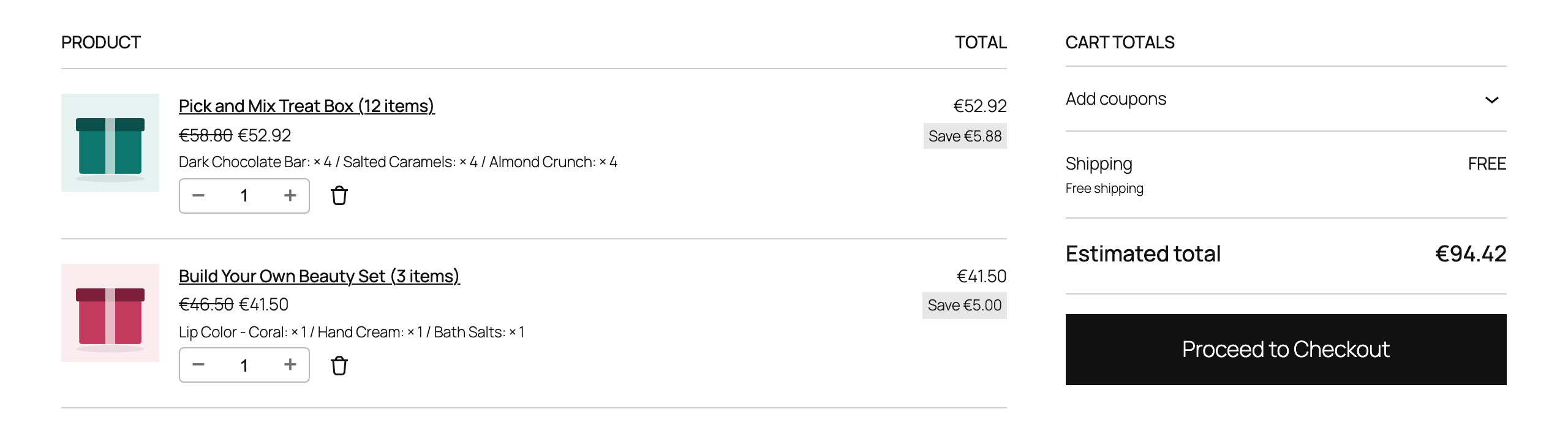
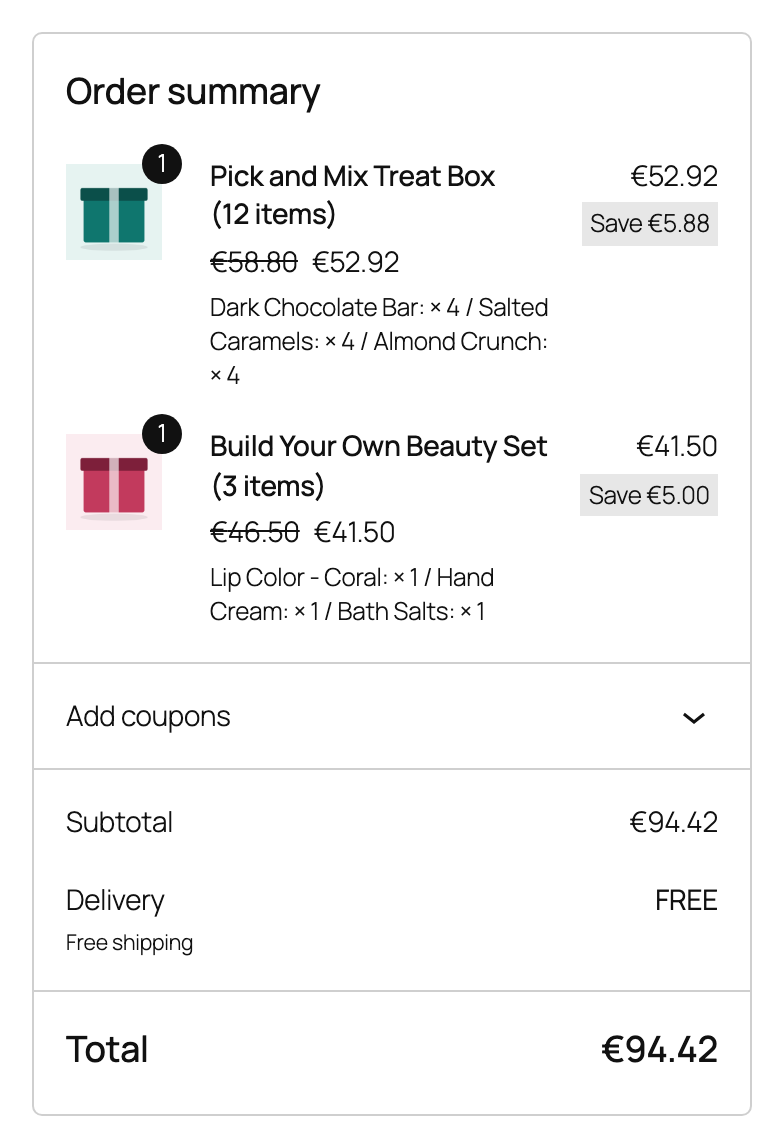
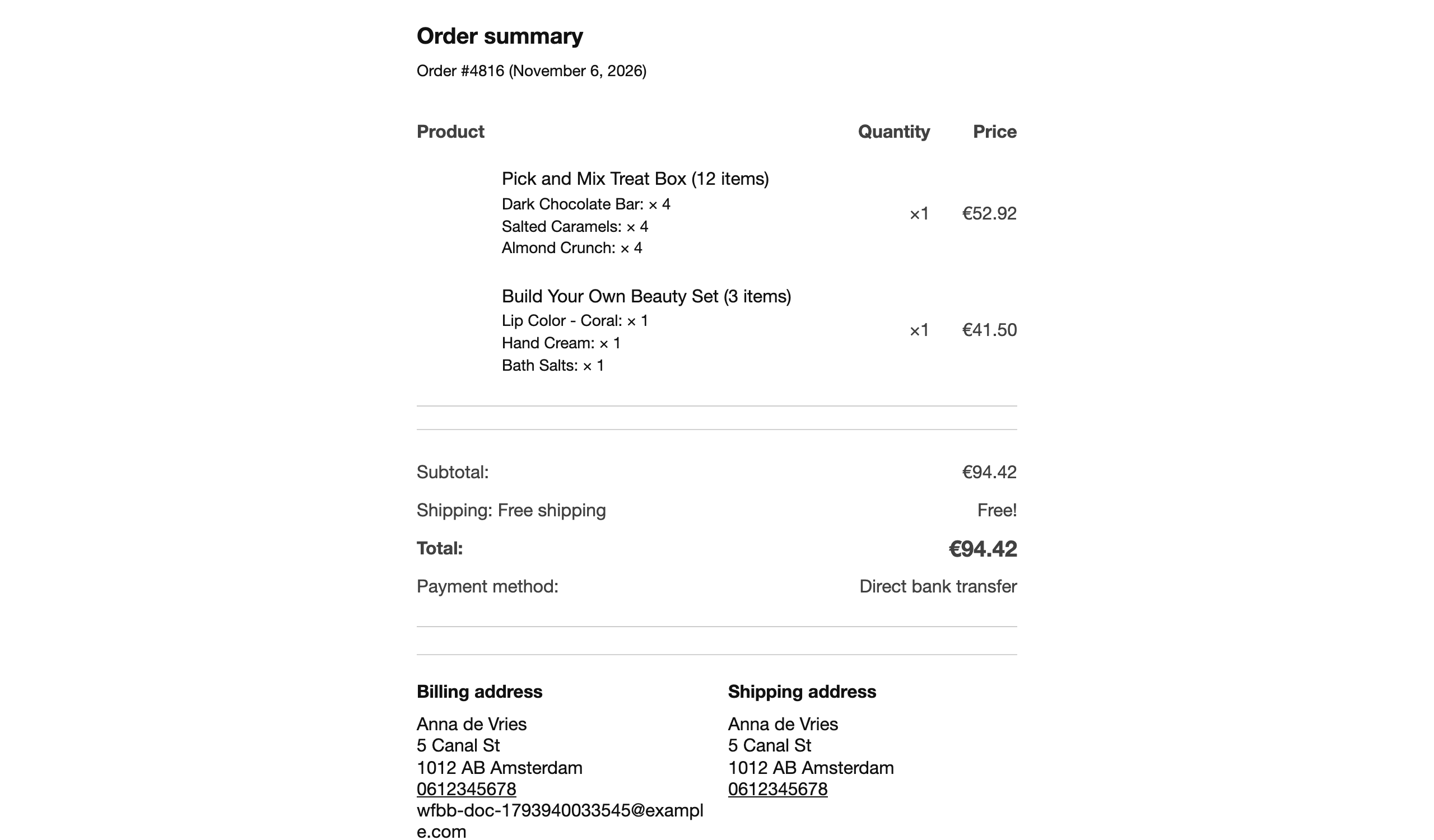
The box stays one line with its contents listed below it in the classic cart, the Cart and Checkout blocks, the Mini Cart, My Account and all WooCommerce emails. The box quantity changes all its items, and removing the box removes its items. Order again rebuilds the box after checking it against today’s rules.
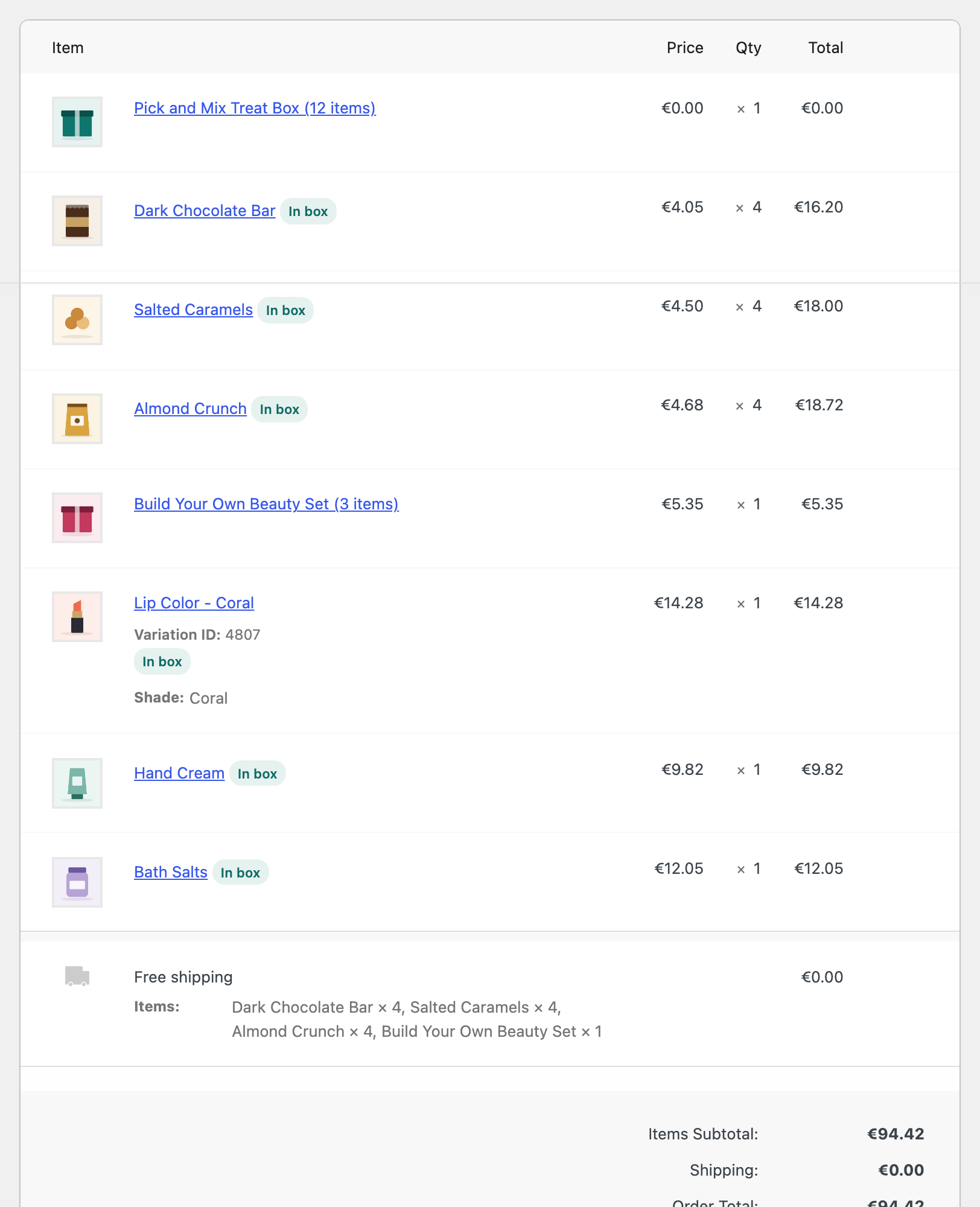
On the order screen the store sees every item line, indented and marked In box, so nothing is lost when packing or refunding.