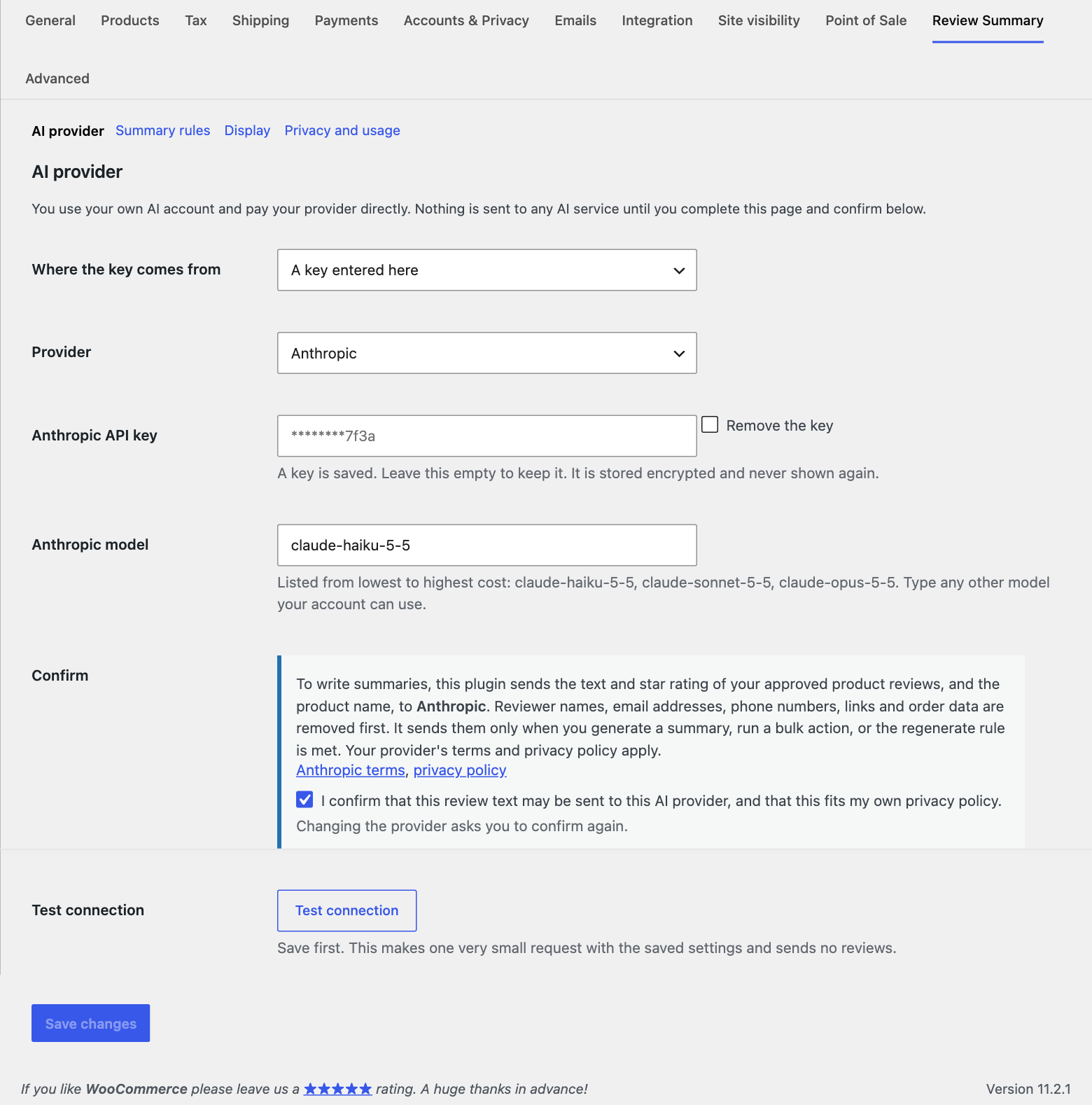
Install and activate WooCommerce, then this plugin. Open WooCommerce, Review Summary.
Choose where the key comes from. On WordPress 7.0 or later you can use WordPress Connectors (Settings, Connectors, plus the provider plugin), or enter a key here. Keys entered here are stored encrypted and never shown again. You can also set one in wp-config.php.
Choose a provider and a model. The field suggests models from lowest to highest cost, and you can type any model your account can use.
Read the notice and tick the box to confirm. Save.
Click Test connection. It makes one very small request and sends no reviews.
AI provider settings with the notice about what is sent.