
The plugin looks for how many days one unit lasts in this order: variation, product, category, store. A blank value moves on to the next level, and 0 turns reminders off at that level. A category can inherit from its parent. If a product sits in categories with different periods, the shortest one wins so a customer never runs out before hearing from you.
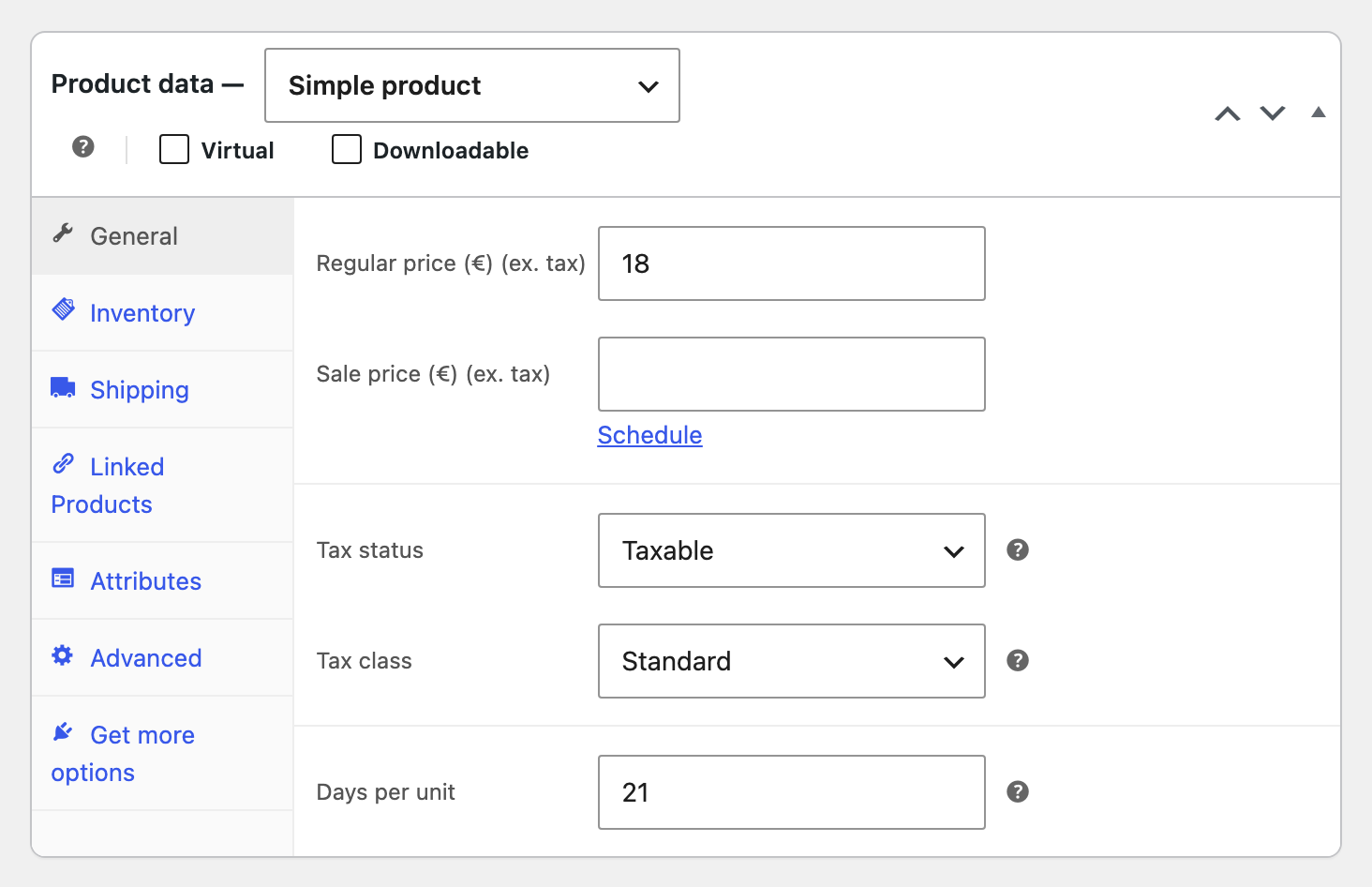
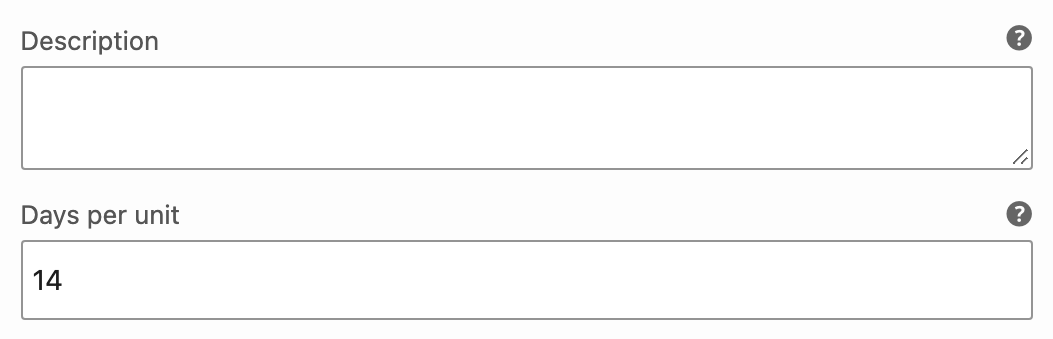
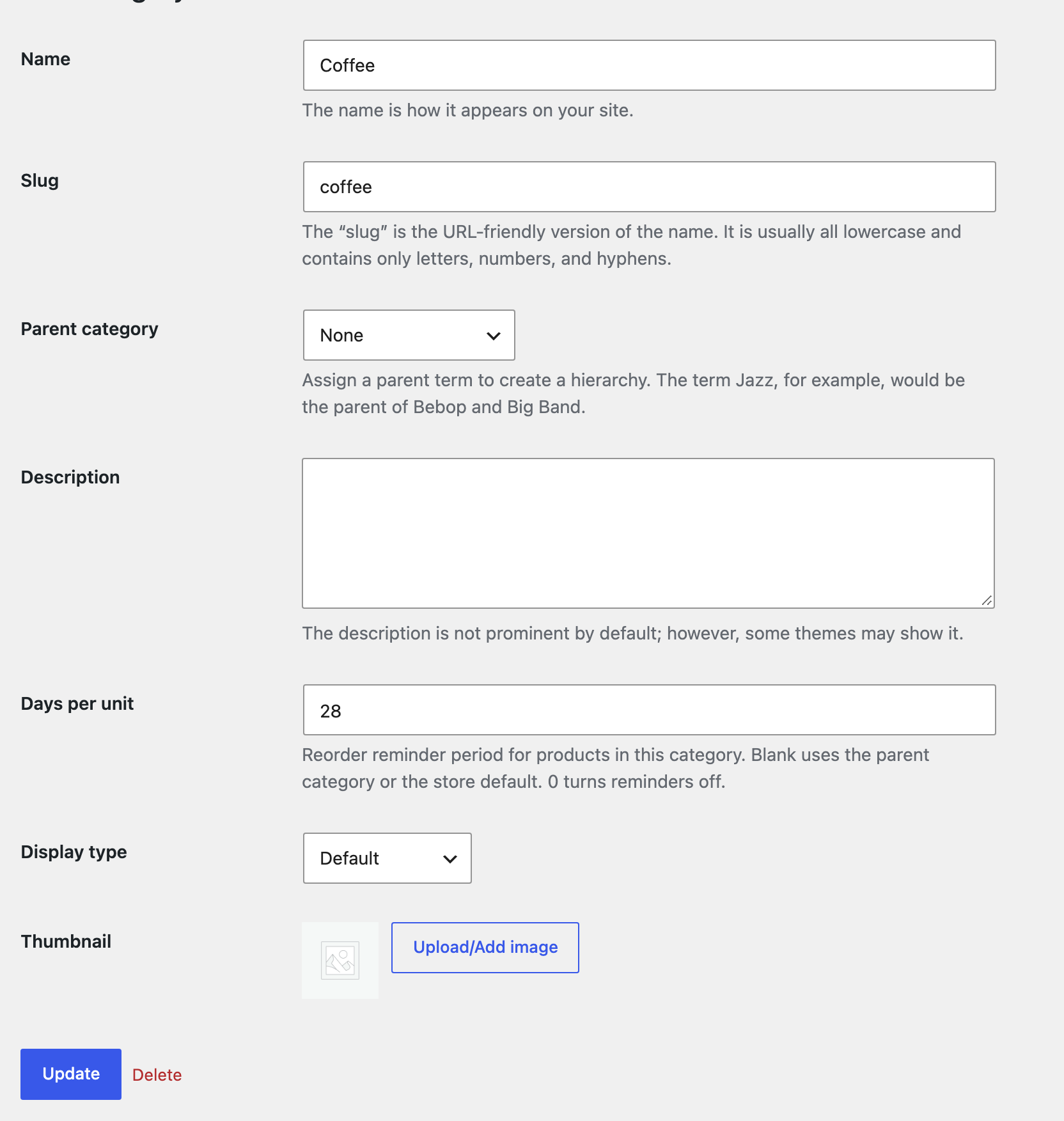
The sum. Reminder date = date the order reached the chosen status + days per unit x quantity – lead time. Two 21 day bags with a 3 day lead time give day 39. The date is never earlier than tomorrow.
The clock starts at Completed by default. You can add Processing under General. Refunding part of a line lowers the quantity in the reorder, and refunding all of it removes the reminder.