
- Install and activate the plugin. A notice links to the settings.
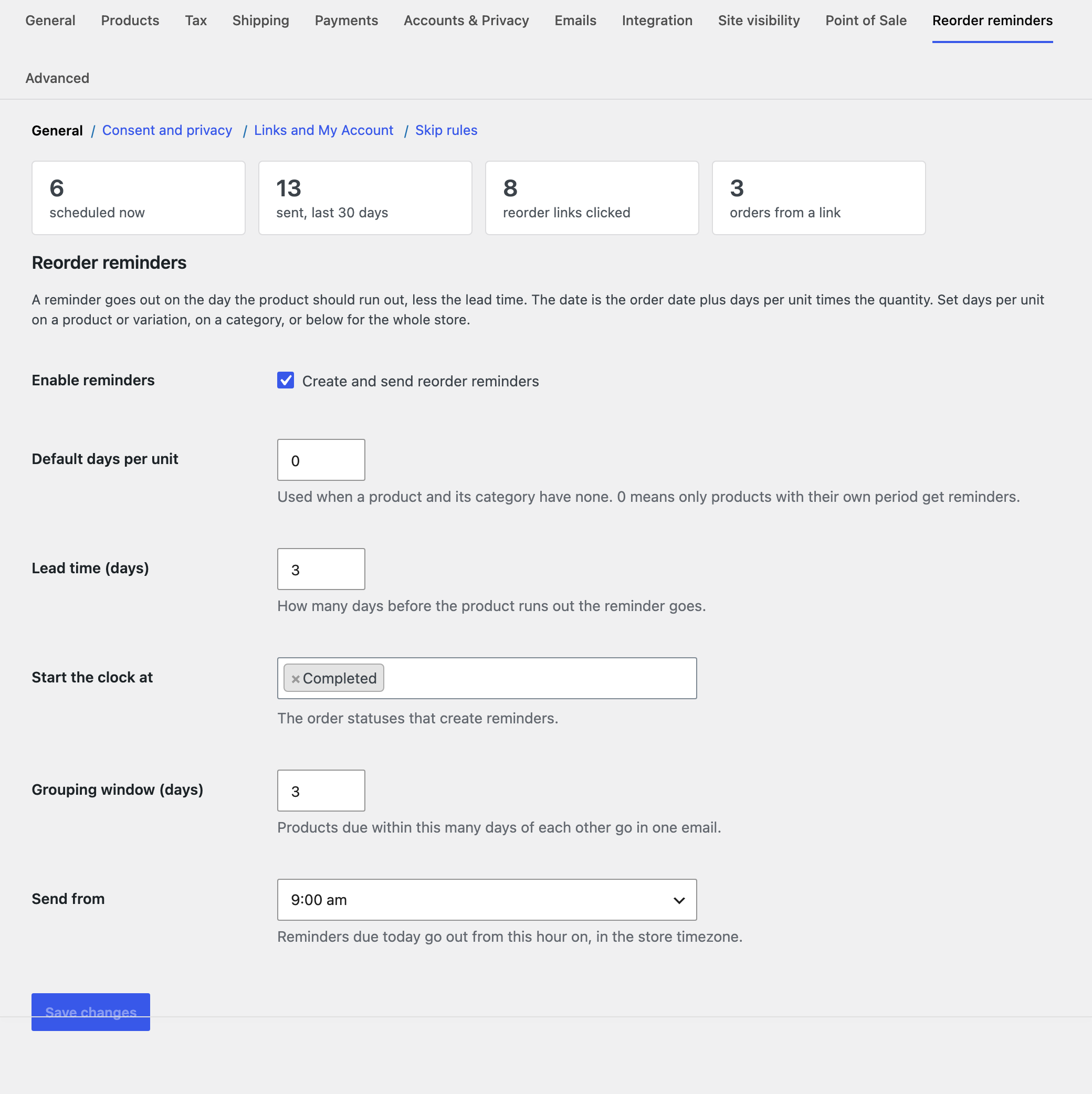
- Open WooCommerce, Settings, Reorder reminders. Set the lead time and, if most of your catalogue is consumable, a default usage period. Left at 0, only products with their own period get reminders.
- Under Consent and privacy, pick a consent mode. The checkbox at checkout is the safe default.
- Set Days per unit on your key products, variations or categories.
- Edit the text under WooCommerce, Settings, Emails, Reorder reminder, and send yourself a test from WooCommerce, Reorder reminders.
Sending on time. The hourly job runs through the WooCommerce scheduler, which relies on WordPress cron. On sites with little traffic, set up a real server cron so reminders go out on the day.