Install and activate the plugin. Every simple and variable product now shows Order a sample, free by default.
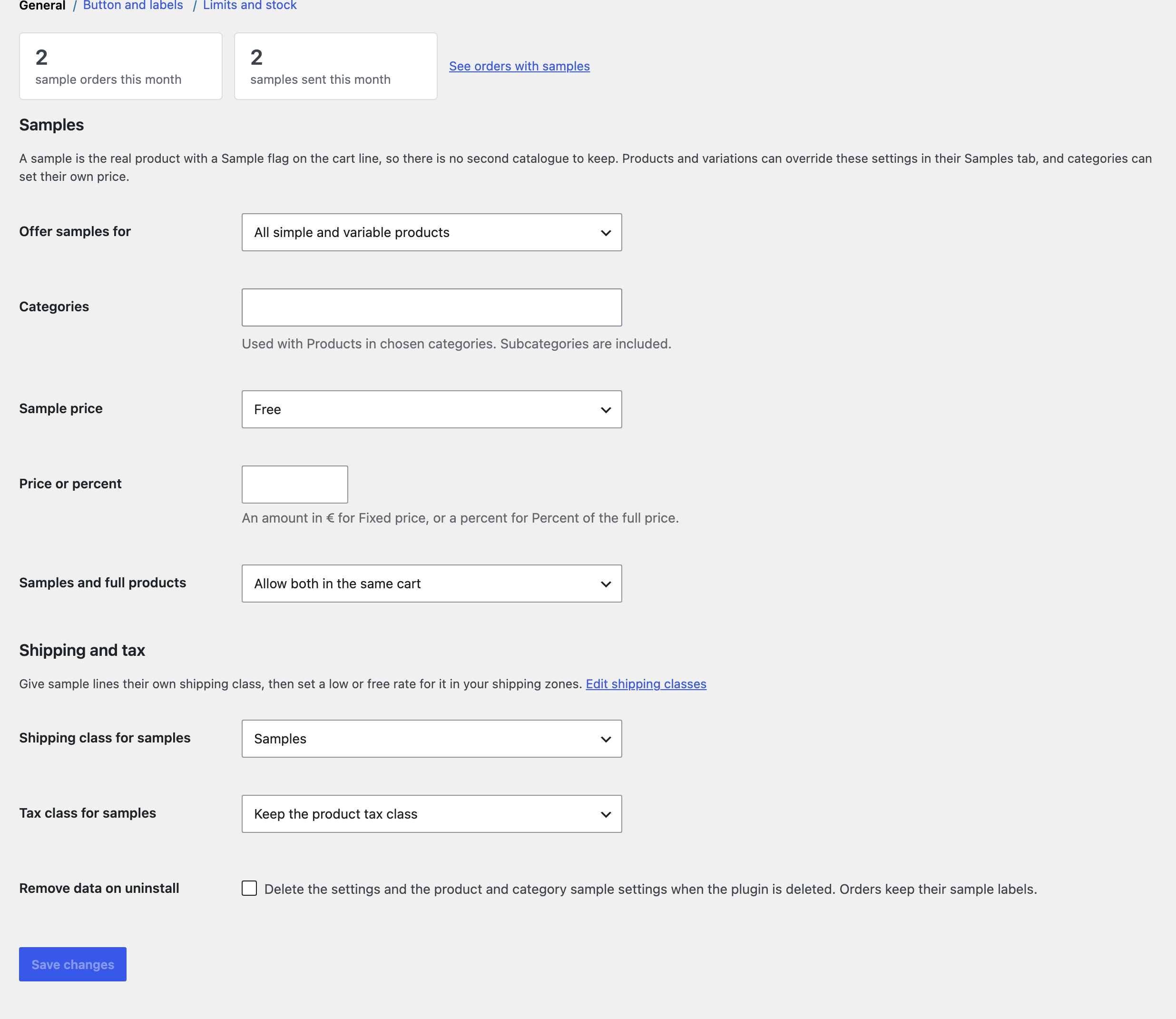
Open WooCommerce, Settings, Samples. The top shows this month’s sample orders and samples sent.
Choose which products offer samples (all, chosen categories, or only products where you turn it on) and the default sample price.
Create a shipping class such as Samples under WooCommerce, Settings, Shipping, Classes, give it a low or free rate in your zones, and choose it as the shipping class for samples.
Set the limits, and turn on Count sample stock if you want to cap samples per product.