
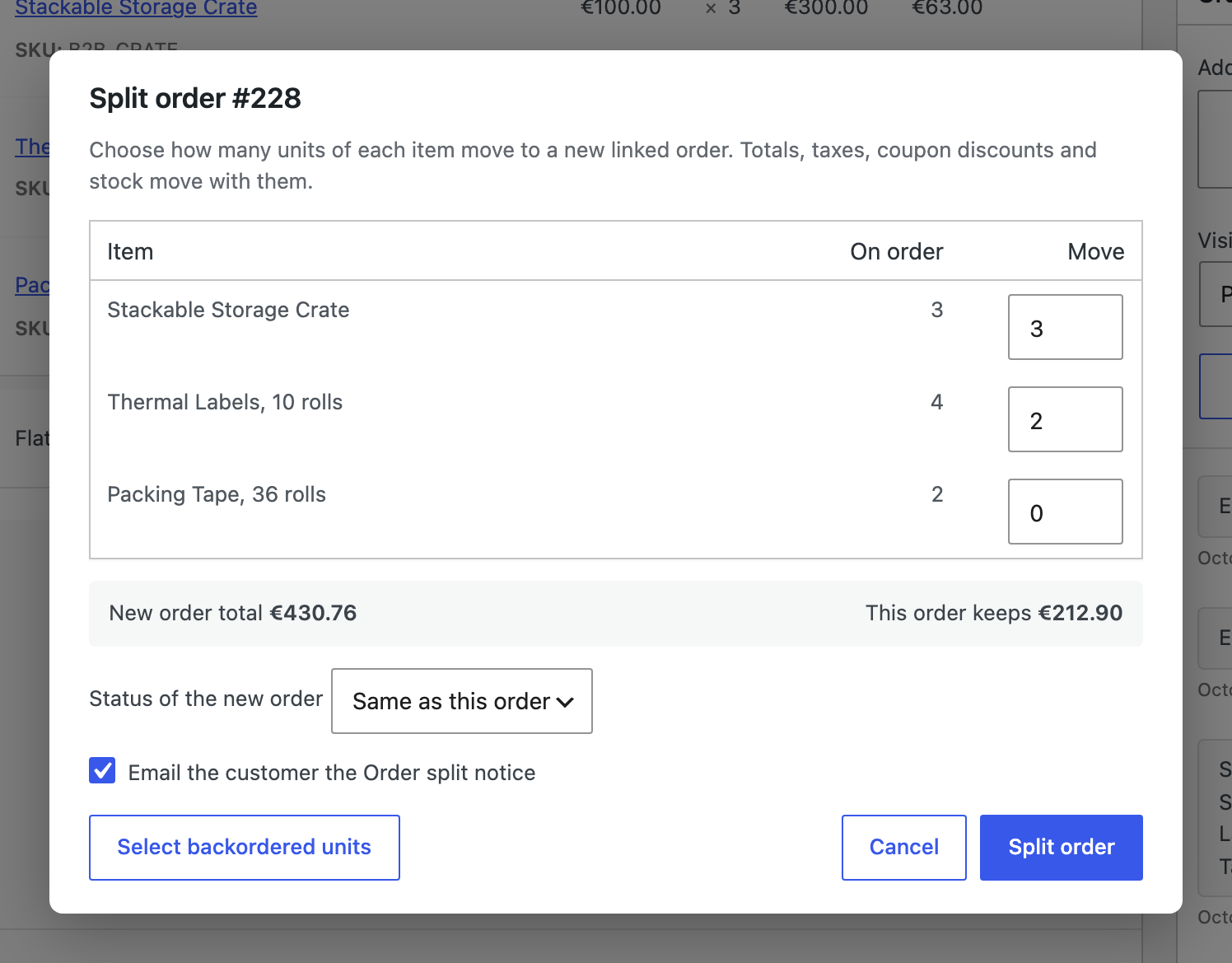
- Open a Processing, On hold or Backordered order and click Split order in the Split orders box.
- Enter how many units of each line move. “Select backordered units” fills in the units on backorder.
- Choose the status of the new order and whether the customer gets the Order split notice.
- Click Split order. The new order opens linked to the original, with notes on both.
Move back puts every item of a split order back on the original and deletes the split order, as long as it has not been completed, cancelled or refunded.