
Merge orders
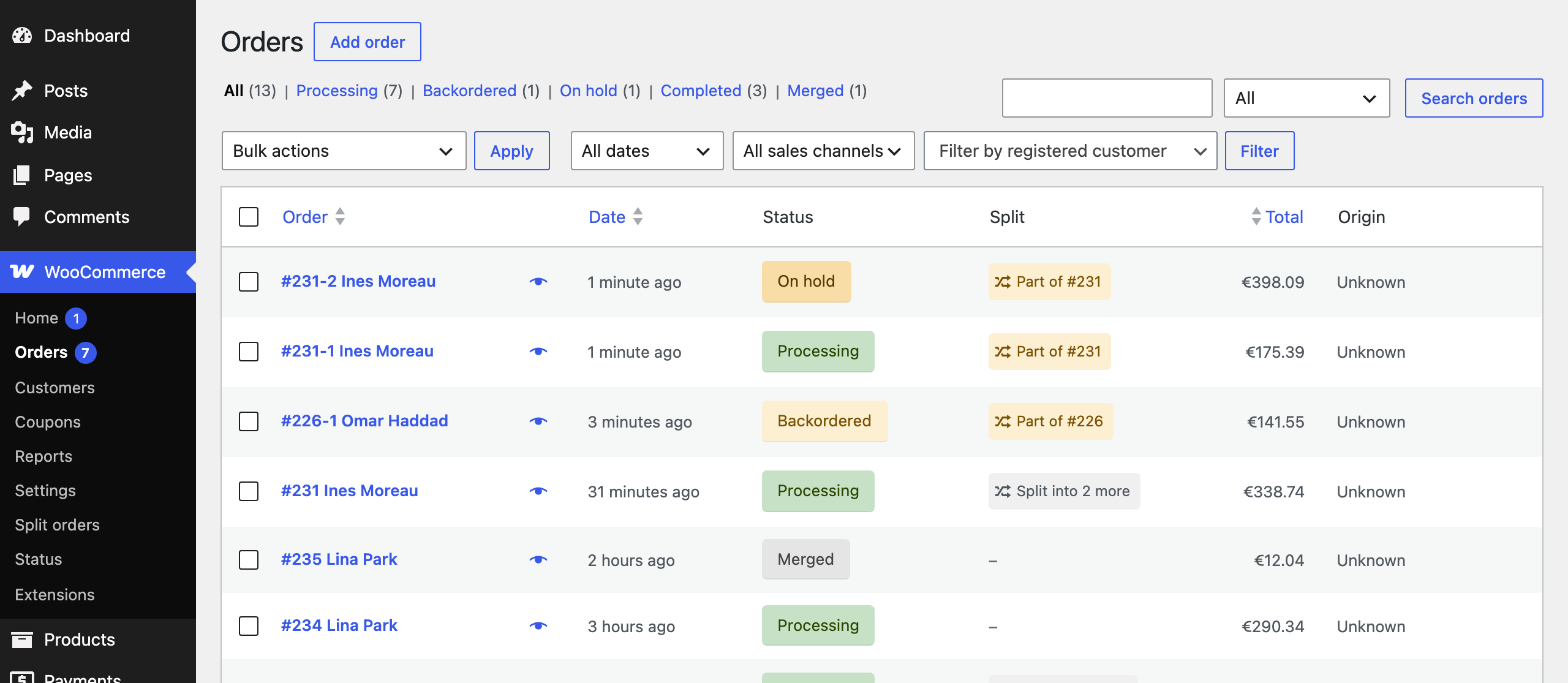
Select unshipped orders of the same customer to the same address and choose Merge orders under Bulk actions. Everything moves into the oldest order. The emptied orders get the Merged status and keep their payment and shipping records, so totals and refunds stay traceable.
Bulk split
Apply split rules or Split backorders on many orders at once from Bulk actions.
Automatic backorder release
When stock comes back for every item of a Backordered order, it moves to Processing and the customer gets a “back in stock and on its way” email.