
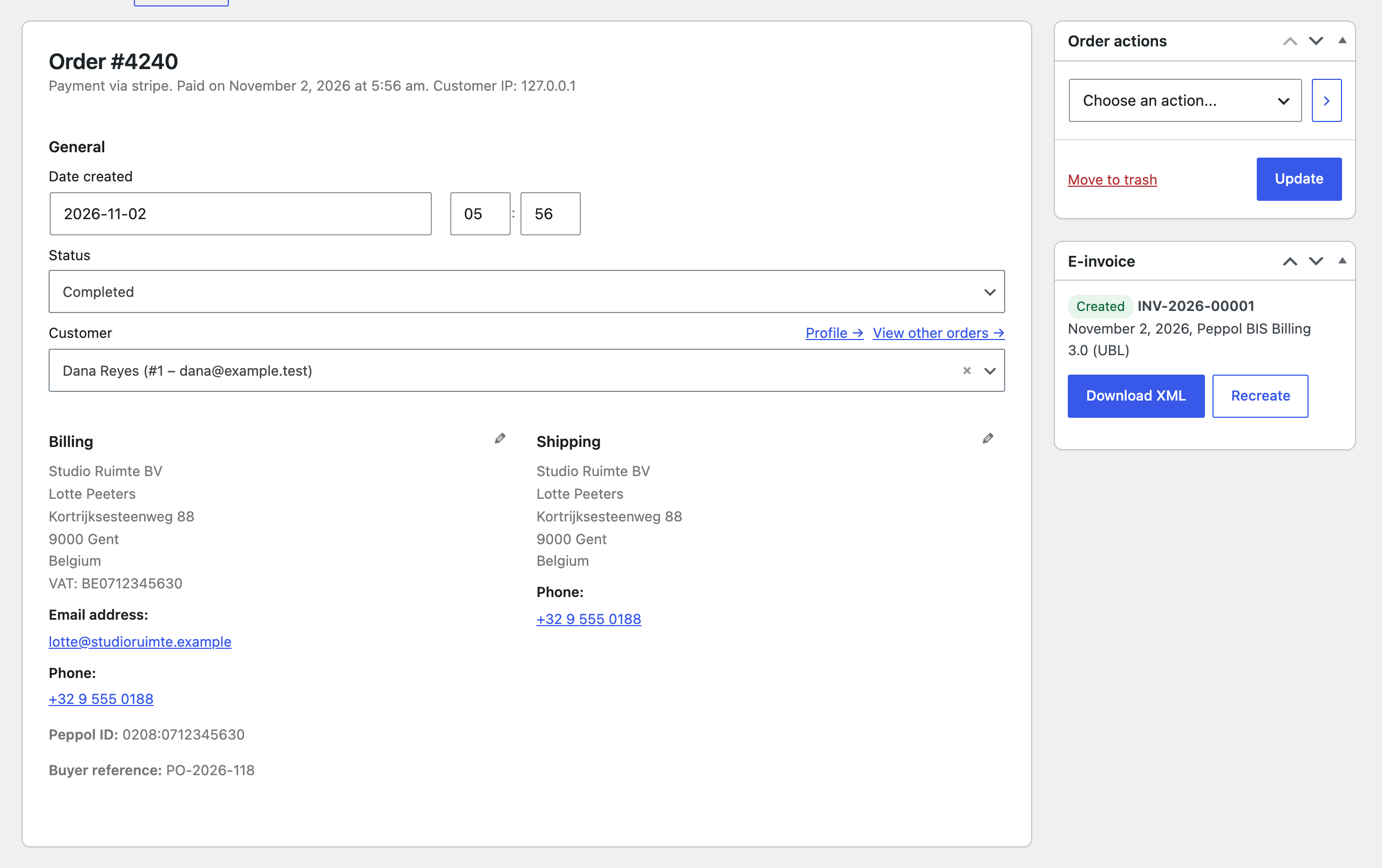
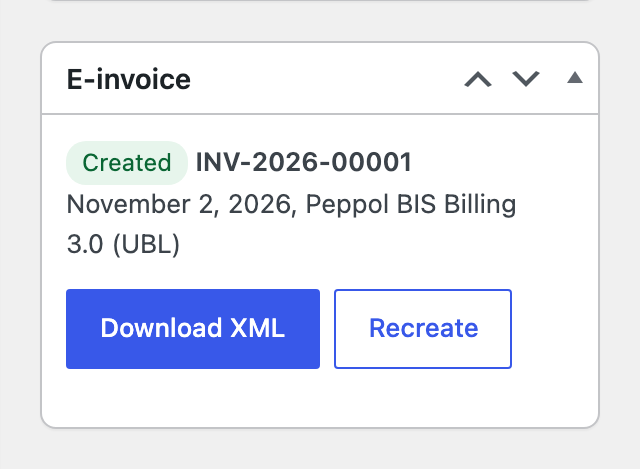
Every order has an E-invoice box with the status, number, date and format, and these buttons:
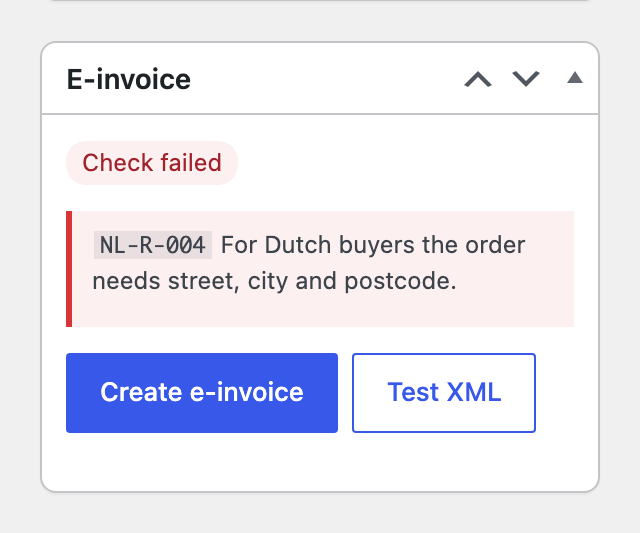
- Create e-invoice: builds it now, for orders that were skipped or failed.
- Download XML: the stored file.
- Recreate: builds the file again with the same number and date, for example after fixing an address.
- Test XML: downloads a preview without saving or numbering anything.
When the check fails
The order gets a Check failed status and the box lists each problem with its rule code and the fix. No number is used. The store also gets an email and a notice on the orders screen. Fix the order or the settings and press Create e-invoice.
The check covers the rules a store can get wrong: seller and buyer details, electronic addresses, VAT category rules, the Dutch national Peppol rules, the XRechnung BR-DE rules and every total. Test files made by the plugin pass the official Peppol BIS 3.0 and EN 16931 rule sets and the KoSIT XRechnung validator.