
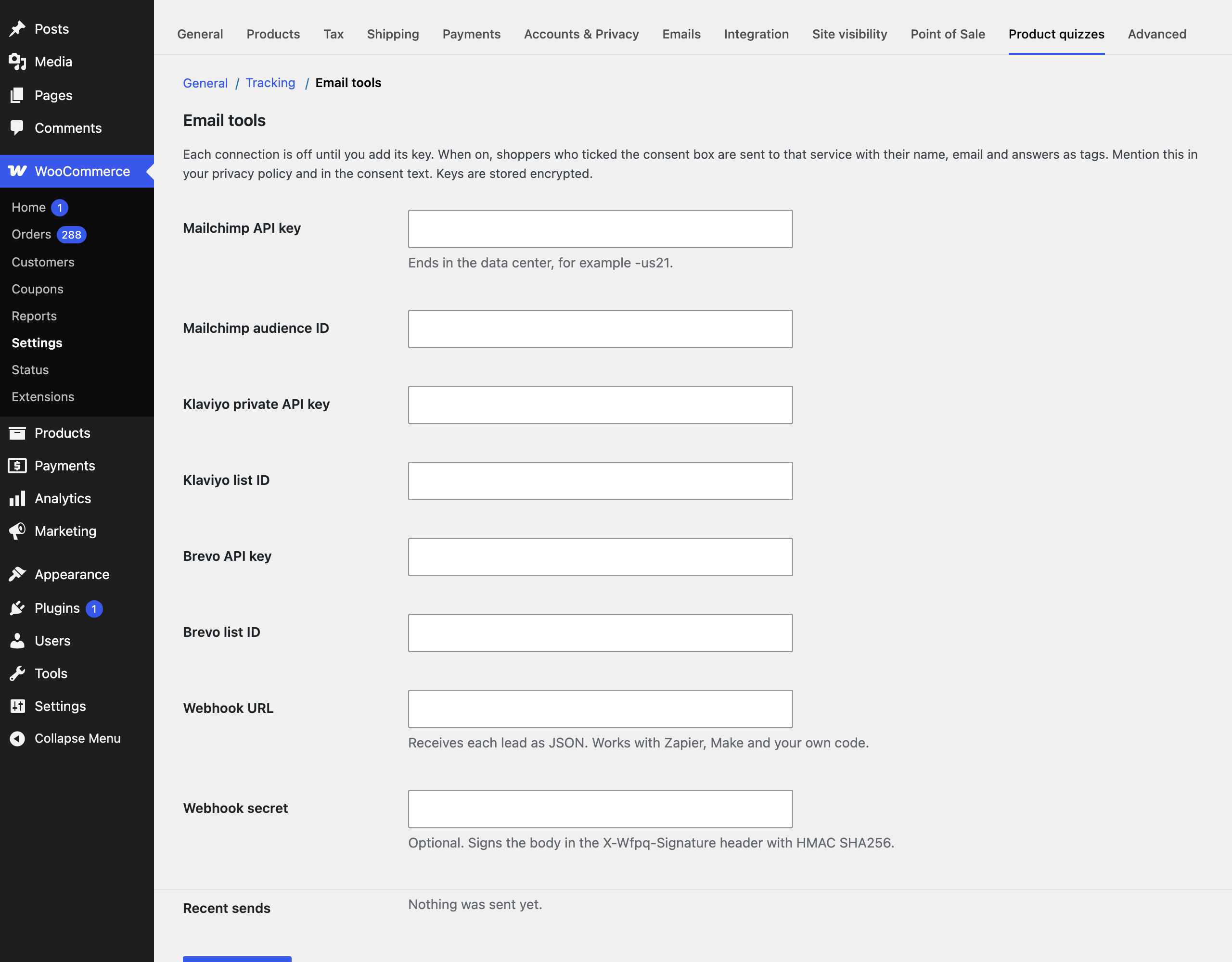
Under WooCommerce, Settings, Product quizzes, Email tools, add a key to turn a connection on. Leads are sent in the background, only with consent, so a shopper never waits for another service. Each quiz can choose its own list or opt out, on its Follow up and lists tab.
| Service | What is sent |
|---|---|
| Mailchimp | Adds or updates the member in your audience with name, and tags for the quiz, answers and result type. |
| Klaviyo | Creates or updates the profile with answers as properties, and subscribes it to your list. |
| Brevo | Creates or updates the contact, with the tags in a QUIZ_TAGS attribute. Create that attribute in Brevo first, as text. |
| Webhook | Posts the lead as JSON, signed with X-Wfpq-Signature (HMAC SHA256) when you set a secret. |
Say in your consent text and privacy policy that leads go to the service you use. Recent sends and failures are listed at the bottom of the settings section.