
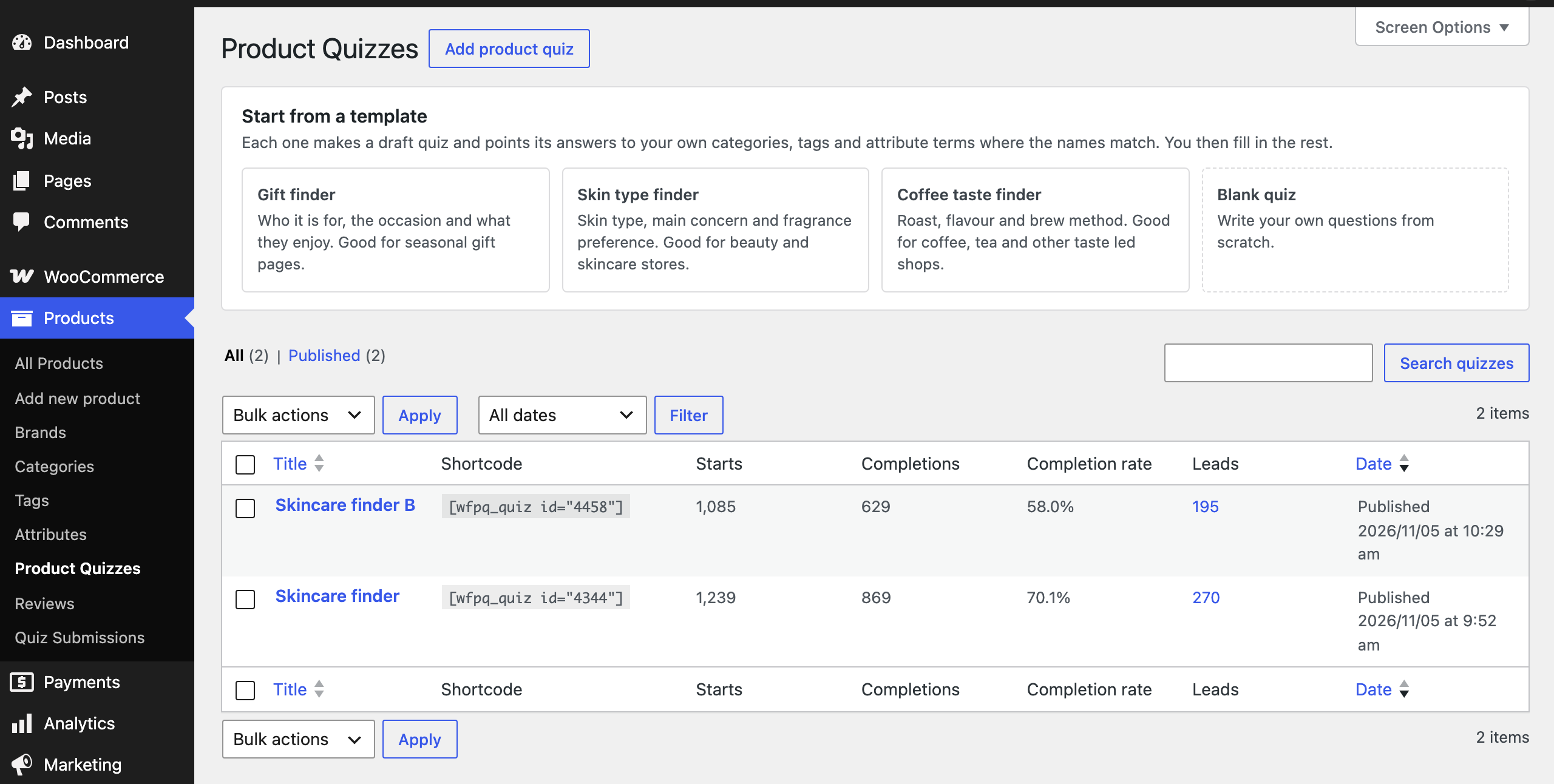
- Install and activate WooCommerce and this plugin. Open Products, Product Quizzes.
- Click a template or Blank quiz. A template makes a draft and connects answers to your own categories, tags and attribute terms when the names match. A notice tells you how many matched.
- Point the remaining answers to your products. Answers marked in yellow recommend nothing yet.
- Click Update, then Preview saved quiz, and try a few answer paths. The preview shows why each product matched.
- Publish the quiz, then add the Product Finder Quiz block to a page, or paste the shortcode
[wfpq_quiz id="123"].
Three to six short questions work best. The fewer words on each screen, the more people finish.