The Pro add-on needs the free plugin. Its settings appear as extra sections next to General under Stock Holds.
Timer rules
Different hold times per product, per category and per user role. With several products in the cart, the shortest time wins.
Sale period
Hold stock only during a sale, or use a shorter timer during it, with a start and end date.
Extend button
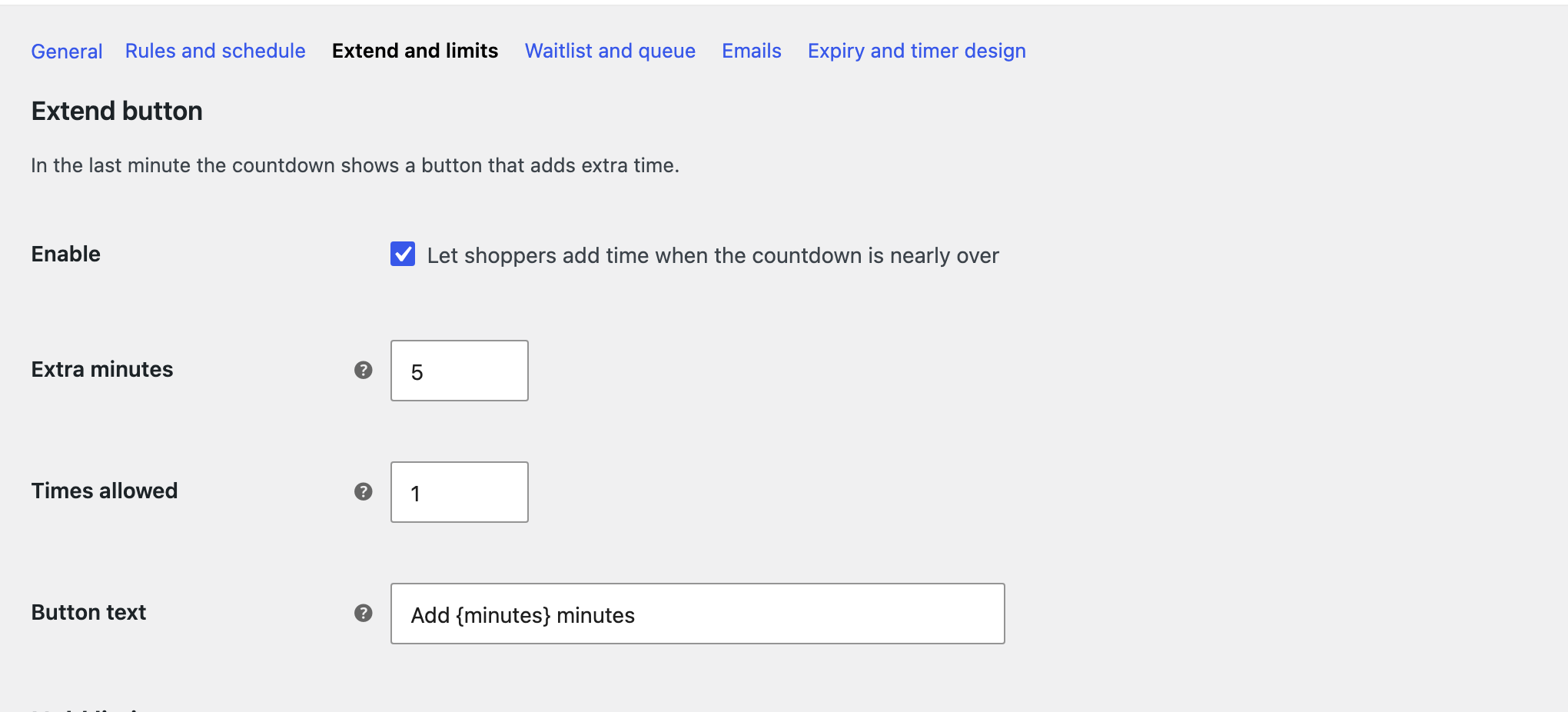
In the last minute the countdown offers extra minutes. You set the minutes and how many times.
Hold limits
The most units of a product one shopper can hold, optionally counted across everyone on the same network.
Waitlist and queue
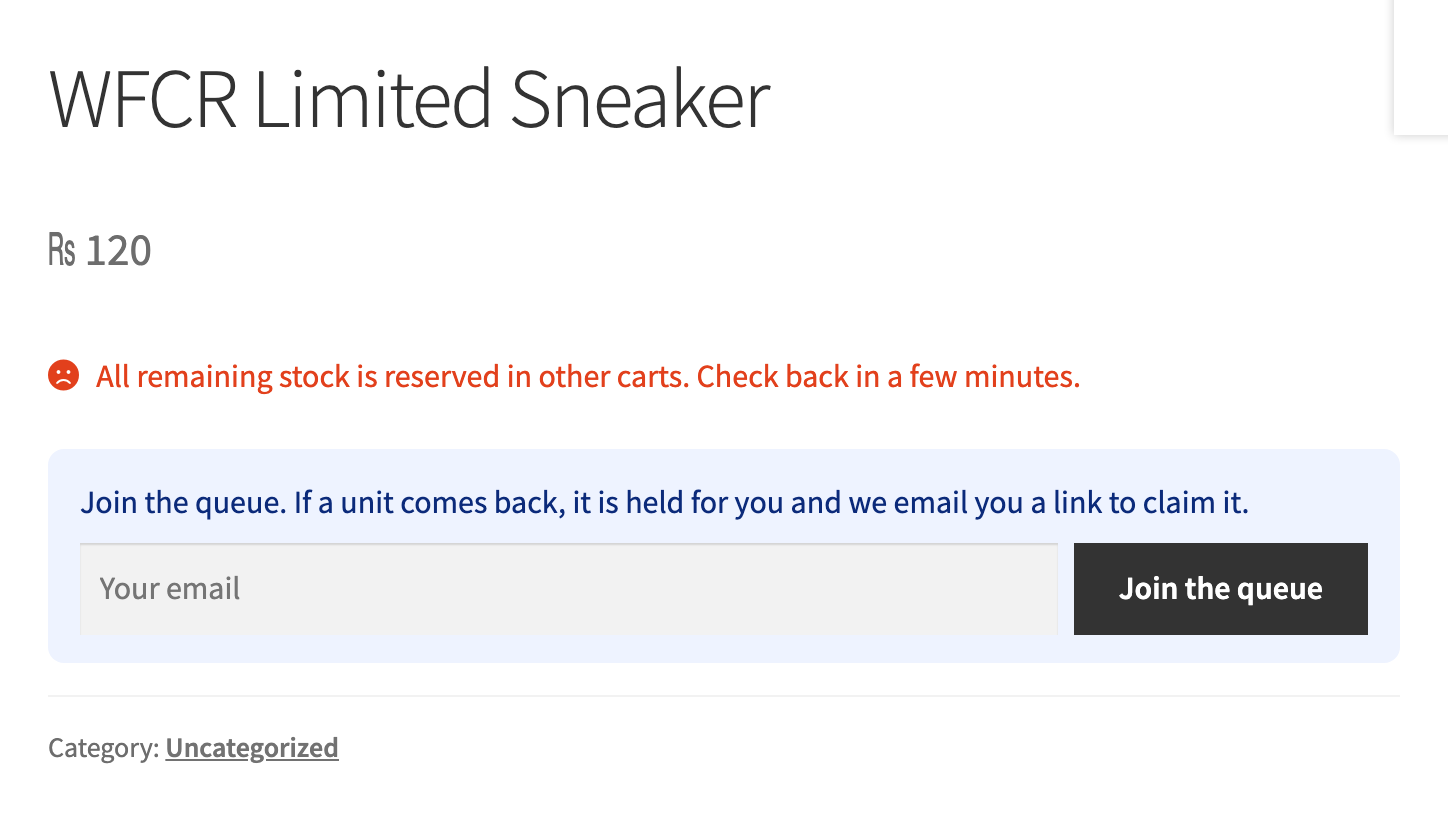
When everything left is held, shoppers leave their email. Waitlist emails everyone, queue holds the unit for the next person with a claim link.
Emails
Reminder before time runs out, recovery email with a one click restore link and an optional coupon.
Expiry actions
Send shoppers to a page when time is up and offer a win back coupon in the message.
Timer designs
Progress bar, sticky bar, floating badge, a shortcode and a Reservation Timer block.
Reports
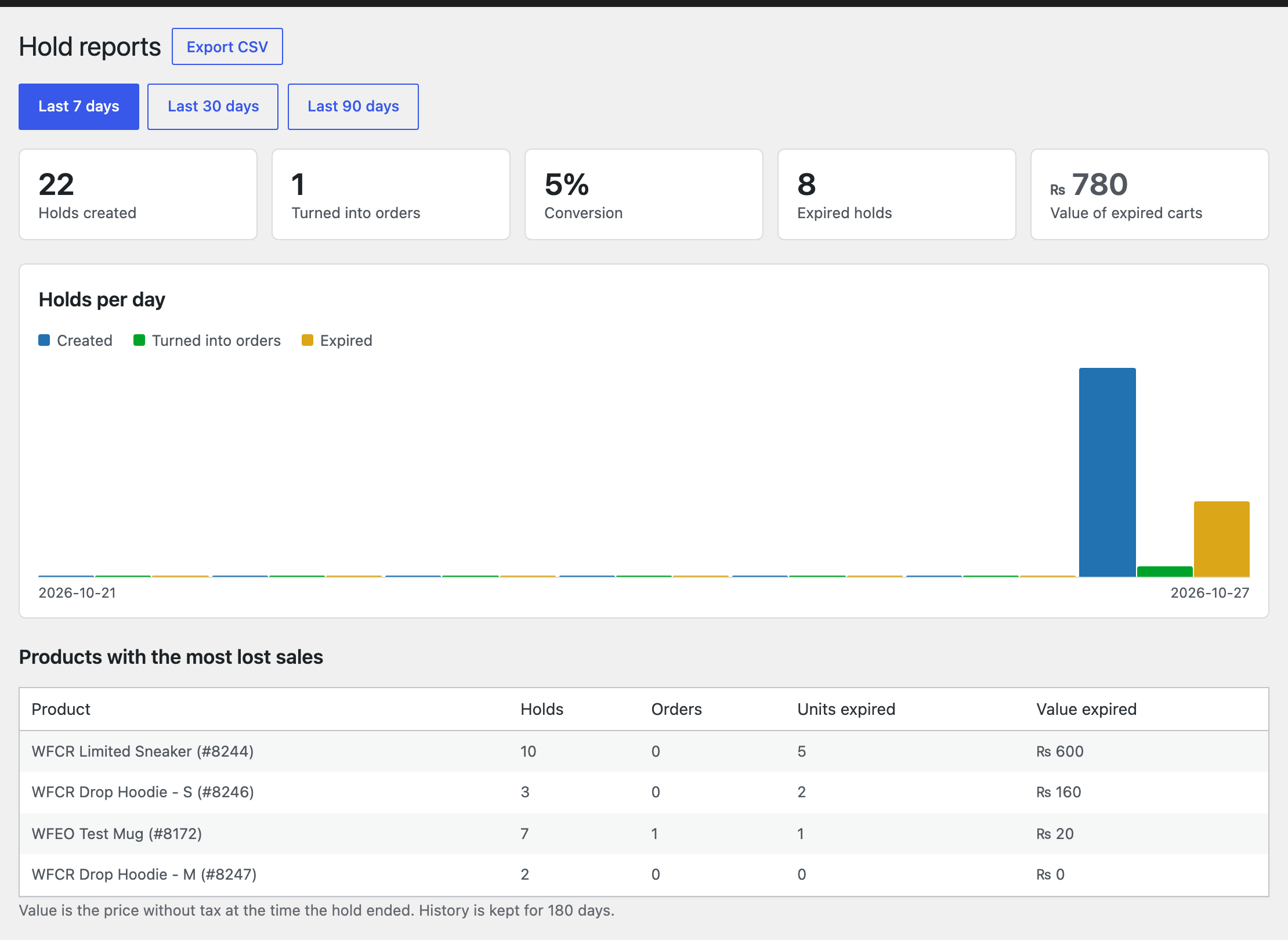
Holds, orders, conversion and the value of expired carts per day and per product.
Developer tools
CSV export of the hold history and REST endpoints for staff tools.